How to duplicate sequence in Manychat
Here is how to duplicate sequence in manychat
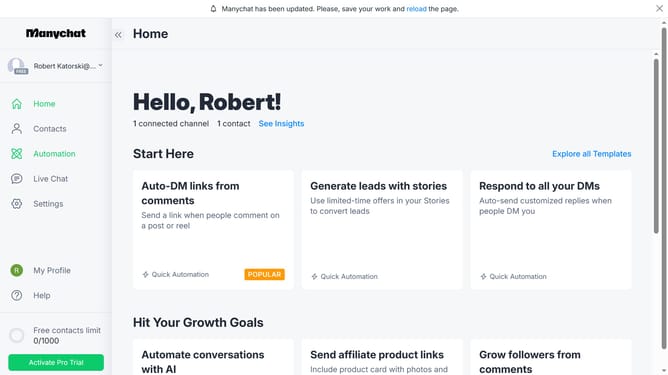
- First click on the "Automation" option in the left sidebar menu
- Then click on the "Sequences" tab in the left sub-menu
- Next click on the menu icon (three dots) next to the Sample sequence
- Then select the "Duplicate" option from the dropdown menu
- Finally click the "Confirm" button in the confirmation dialog
Why should you duplicate sequence in Manychat
Manychat powers seamless communication with customers through efficient chatbot automation.
Duplicating a sequence in Manychat is an invaluable feature that allows users to effortlessly replicate successful messaging strategies. This feature is especially beneficial for those looking to maintain a consistent brand voice across multiple campaigns or chatbots.
By duplicating sequences, marketing efficiency increases substantially, enabling rapid deployment of engaging content. This saves time and enhances productivity, ensuring your messaging always hits the mark.
Last update