How to rename automation in Manychat
Here is how to rename automation in manychat
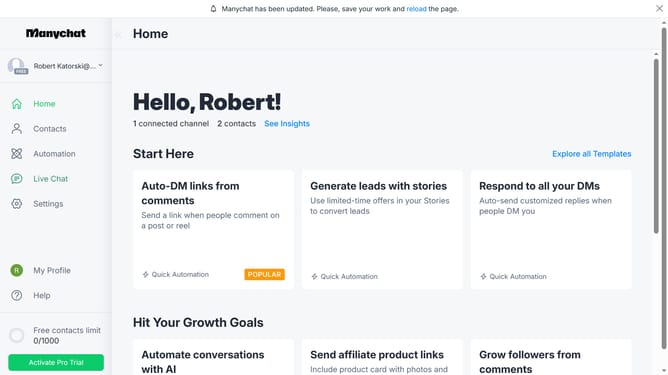
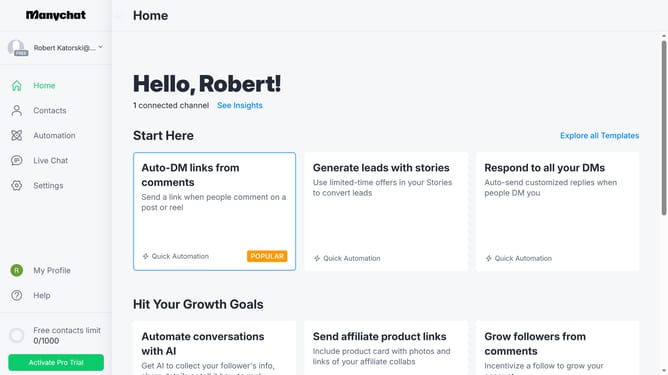
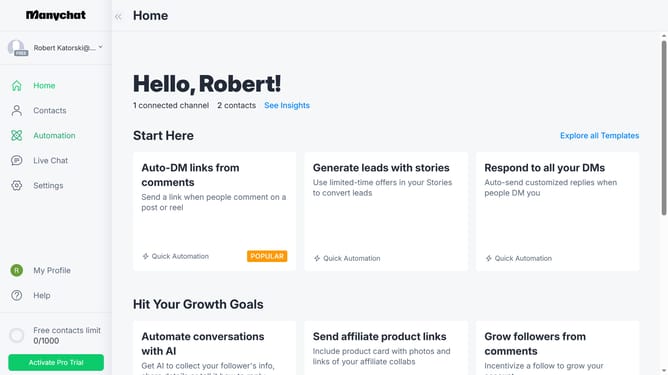
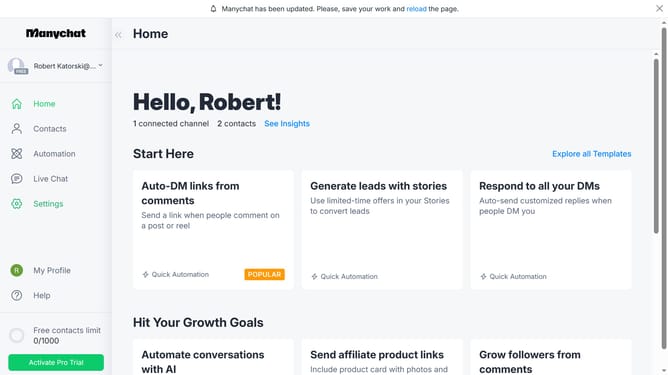
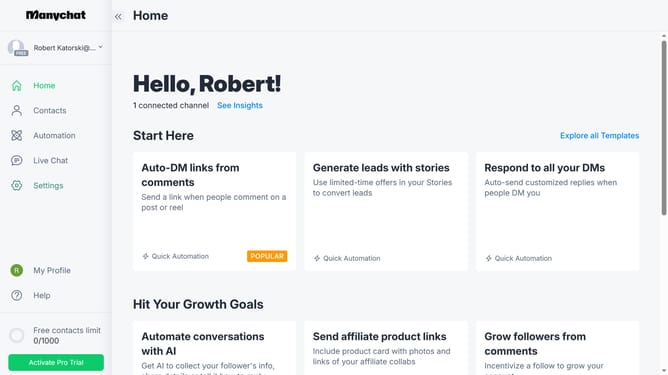
- First click on the "Automation" link in the left sidebar menu
- Next hover your mouse cursor over the automation you want to rename until you see the three dots button
- Then click on the three dots menu button in the automation row
- In the dropdown menu, click on the "Rename" option
- Then type "Duplicate" as the new name in the input field
- Finally click the "Rename" button in the dialog to confirm the changes
Why should you rename automation in Manychat
Manychat is a powerful tool designed to simplify and enhance your customer communication through automation.
Renaming automations in Manychat lets you maintain clarity and organization within your workflows. By clearly labeling each automation, you can easily manage and identify your processes, improving your overall efficiency.
This feature also fosters collaboration among team members by ensuring everyone understands the purpose and function of each automation instantaneously. Using well-named automations speeds up training and enhances team productivity.
Last update