How to permanently delete an automation in Manychat
Here is how to permanently delete an automation in manychat
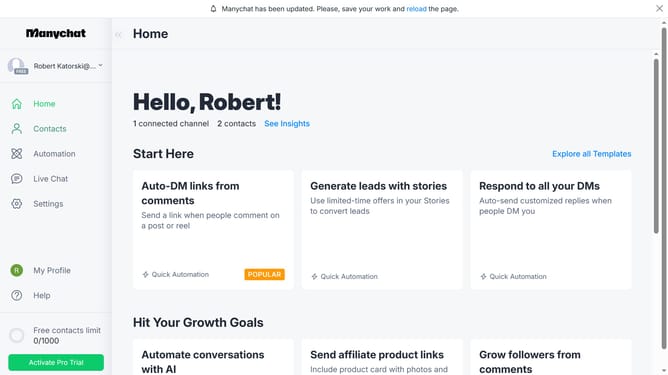
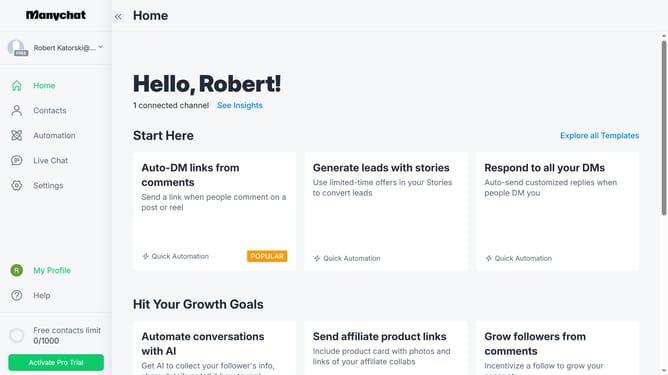
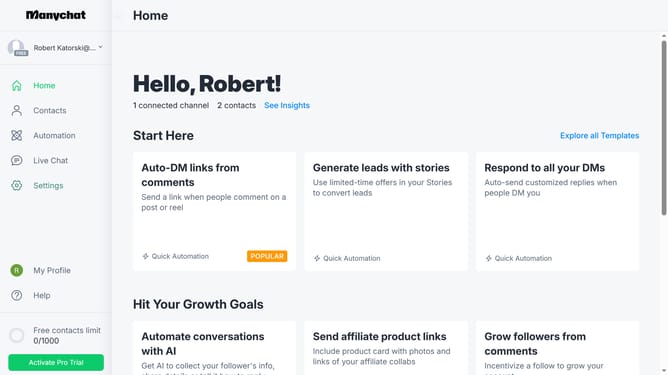
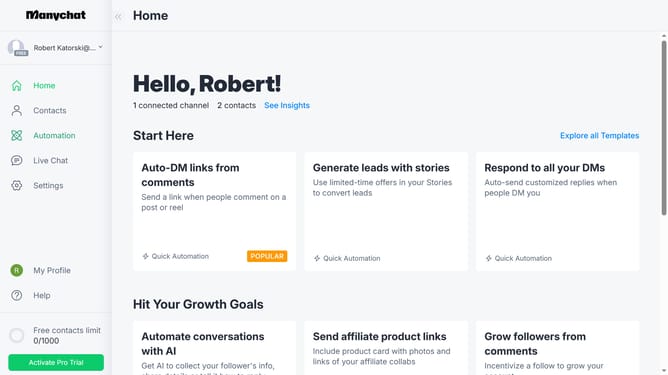
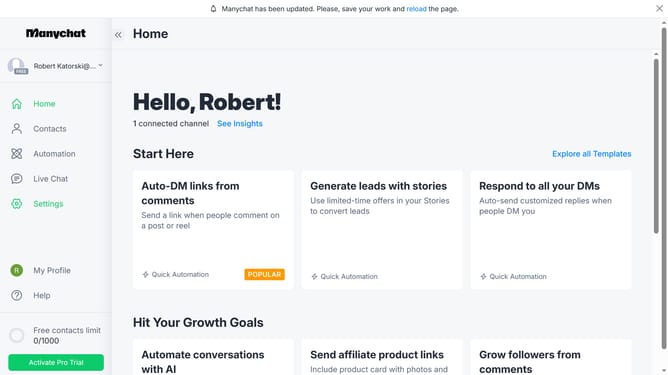
- First click on the "Automation" link in the left sidebar menu
- Then click on the "Trash" icon in the top right corner of the main content area
- Next click on the action menu (three dots) button next to the automation you want to permanently delete
- Then click on the "Permanently Delete" from the dropdown menu
- Finally click on the "Delete Now" button in the confirmation dialog
Why should you permanently delete an automation in Manychat
Manychat seamlessly automates messaging across platforms, revolutionizing customer engagement and communication.
Permanently deleting an automation in Manychat cleans your workspace, ensuring optimal organization and efficiency.
This feature removes outdated or unnecessary actions, allowing you to streamline your interactions and focus on current strategies.
Utilizing this capability helps maintain clarity in your automation processes, ultimately boosting productivity and enhancing user experience.
Last update