How to allow a group for conversation assignment in Manychat
Here is how to allow a group for conversation assignment in manychat
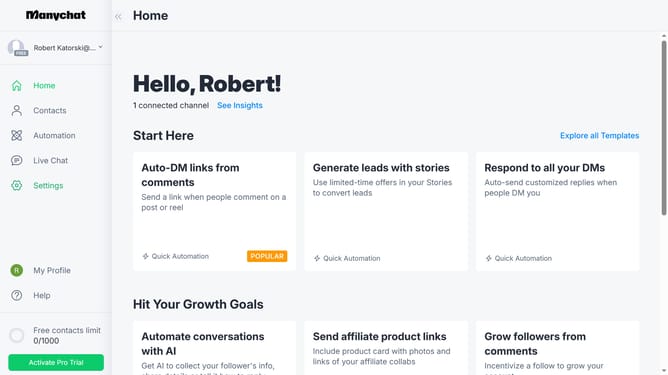
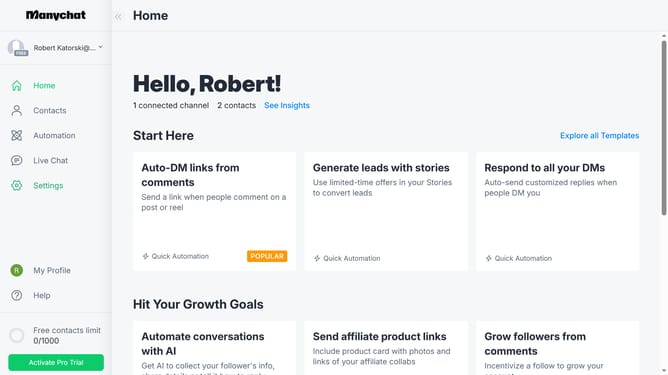
- First click on the "Settings" option in the left sidebar menu
- Then click on "Team Members" in the settings menu
- Next click on the "Groups" tab in the team members section
- Then click on a group you want to allow for conversations assignment in the group list
- Finally click on "Available for conversations assignment" toggle in the group settings
Why should you allow a group for conversation assignment in Manychat
Manychat is a dynamic platform designed to streamline customer communications through chat automation.
Allowing a group for conversation assignment in Manychat amplifies teamwork and task efficiency. This feature enables assigning specific groups to handle, prioritize, and manage conversations, ensuring inquiries are addressed swiftly and efficiently.
By leveraging group assignments, businesses can enhance customer satisfaction while fostering a collaborative environment. This organized approach minimizes response times, ensuring seamless communication flow and a more personalized customer experience.
Last update