How to delete tags folder in Manychat
Here is how to delete tags folder in manychat
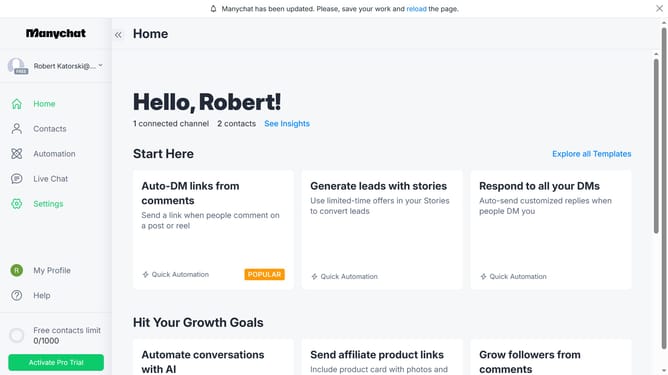
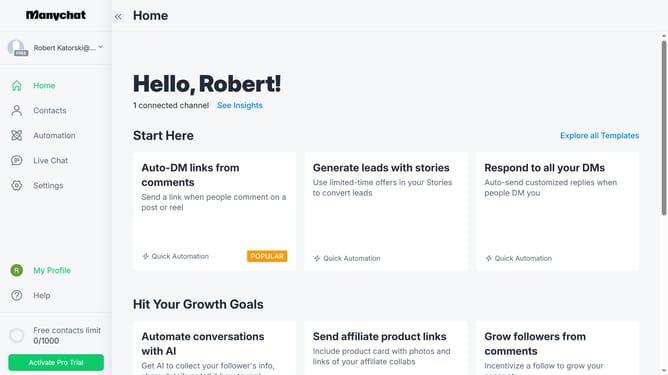
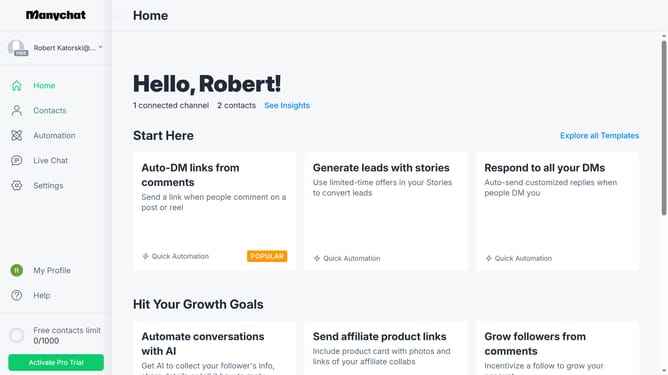
- First click on "Settings" in the left sidebar menu
- Scroll down in the general settings page
- Click "Tags" in the left side bar menu
- Scroll up in the tags settings page
- Click on the three dots menu next to the name of the folder you want to delete
- Select "Delete" option from the dropdown menu
- Finally click "Delete" button In the confirmation dialog
Why should you delete tags folder in Manychat
Manychat is a powerful platform designed to streamline communication through chat automation.
Deleting a tags folder in Manychat is a straightforward feature that enhances your organizational efficiency.
By removing unnecessary tags, you can maintain a clutter-free interface, making it easier to manage active customers and campaigns.
This feature not only helps declutter your workspace but also ensures that your follow-up processes are smooth and efficient.
Last update