How to add tags for multiple contacts in Manychat
Here is how to add tags for multiple contacts in manychat
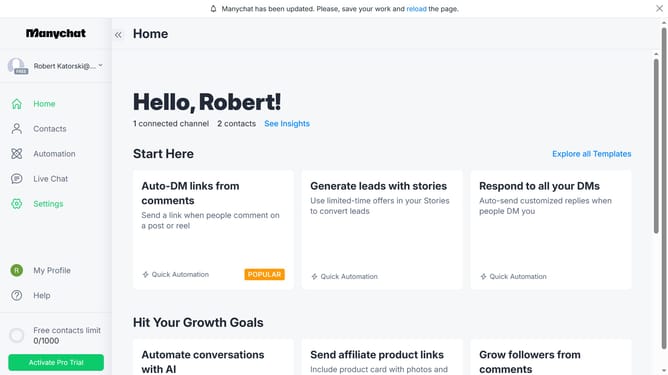
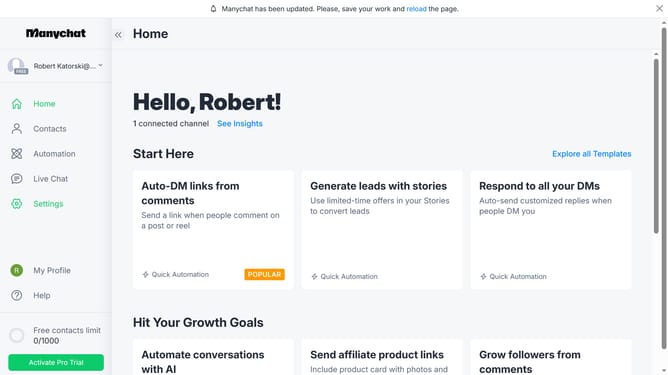
- First click on the "Contacts" item in the left sidebar
- Then click on the checkbox next to the contacts you want to add tags to
- Click on the "Bulk Actions" button in the top right corner
- Select "Add Tag" from the bulk actions dropdown menu
- Click in the tag input field
- Select the tag you want to add from the tag suggestions dropdown
- Click the "Save" button to apply the tag
- Finally click the "Confirm" button in the confirmation dialog
Why should you add tags for multiple contacts in Manychat
Manychat is a powerful tool designed to simplify and enhance customer communication through automated messaging.
A standout feature is the ability to add tags for multiple contacts simultaneously. This ensures a more organized and targeted approach to managing interactions.
Using tags allows businesses to segment their audience efficiently, leading to more personalized and relevant content. This boosts engagement and strengthens marketing strategies.
By streamlining the tagging process, Manychat helps save time and improves overall productivity in managing customer relationships.
Last update