How to disable instagram conversation starters in Manychat
Here is how to disable instagram conversation starters in manychat
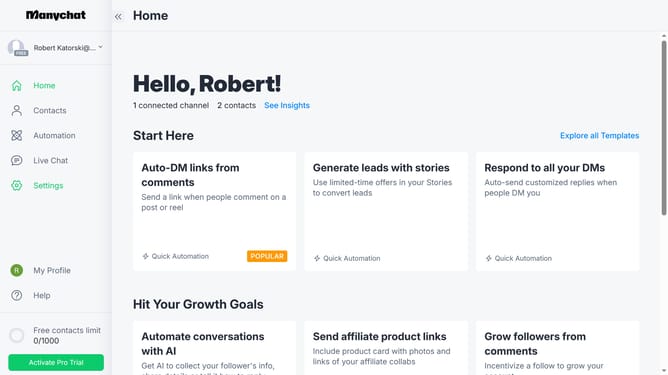
- First click on the "Settings" option in the left sidebar menu
- Then click on the "Instagram" channel under the Channels section in the settings menu
- After that scroll down in the settings menu
- Next click on the "Edit" button in the Conversation Starters section
- Finally toggle the "Enabled" switch in the top right corner of the Conversation Starters page to disable it
Why should you disable instagram conversation starters in Manychat
Manychat is an intuitive tool designed to streamline customer interactions through automated messaging on various social platforms.
The ability to disable Instagram conversation starters in Manychat enhances the user experience by allowing businesses to control initial interactions.
By managing these conversation prompts, businesses can maintain a consistent tone and ensure that messaging aligns with their brand's voice.
Additionally, it helps prevent clutter, allowing for more personalized and impactful customer interactions.
Last update