How to enable sharing of an automation in Manychat
Here is how to enable sharing of an automation in manychat
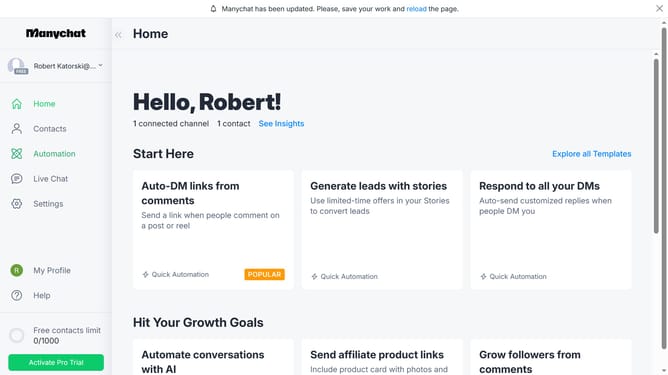
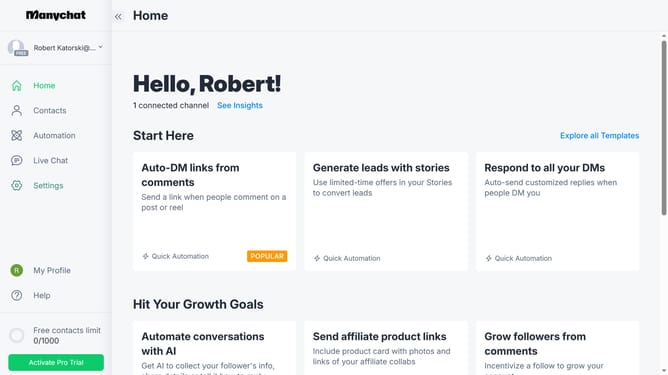
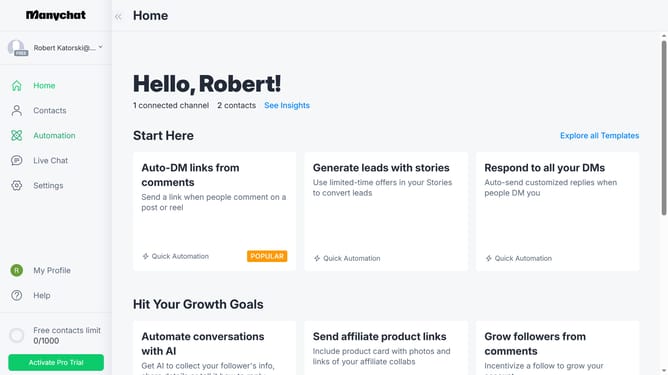
- First click on the "Automation" option in the left sidebar menu
- Then click on the automation you want to enable sharing for from the automation list
- Next click on the menu button (three dots) in the top-right corner
- Then select "Share this Automation" option from the dropdown menu
- Next click on the "Enable Sharing" toggle switch in the sharing dialog
- Finally click on "Copy to Clipboard" to copy the sharing link
Why should you enable sharing of an automation in Manychat
Manychat facilitates seamless interactions by automating chat processes and enhancing customer engagement.
Enabling the sharing of an automation in Manychat allows users to extend the capability of their automated processes across different platforms or with multiple team members.
This feature ensures that efficient workflows and conversation sequences can be replicated easily, saving time and streamlining operations.
By sharing automations, organizations can maintain consistent messaging and improve collaboration, resulting in enhanced productivity and customer satisfaction.
Last update