How to prevent viewers from cloning an automation in Manychat
Here is how to prevent viewers from cloning an automation in manychat
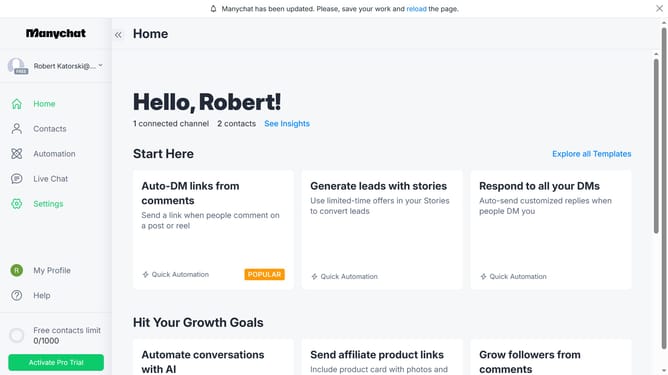
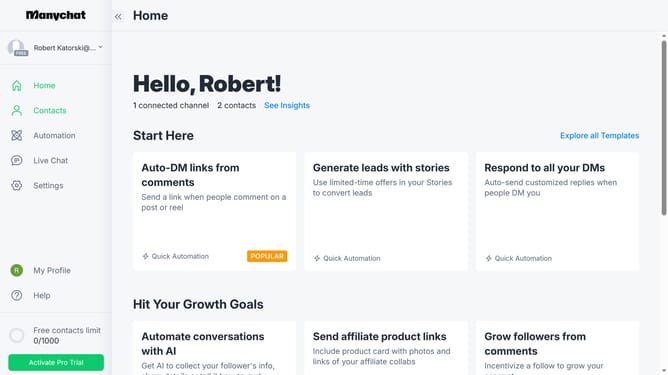
- First click on the "Automation" item in the left sidebar menu
- Then click on the "Unsubscribe from Instagram" automation in the main content area
- Next click on the options menu (three dots) in the top-right corner
- Then select "Share this Automation" from the dropdown menu
- Next scroll down in the share dialog
- Finally click the checkbox to remove the check for the "Allow viewers to clone this Automation" option at the bottom of the share dialog
Why should you prevent viewers from cloning an automation in Manychat
Manychat is a premier platform designed for creating interactive chatbots to enhance customer engagement.
One valuable feature of Manychat is its ability to prevent viewers from cloning an automation. This ensures the security and uniqueness of your carefully crafted marketing strategies.
By restricting cloning, businesses can maintain their competitive edge, protecting their proprietary content from unauthorized replication.
This feature empowers brands to confidently innovate their chatbot experiences, fostering originality while safeguarding their valuable assets.
Last update