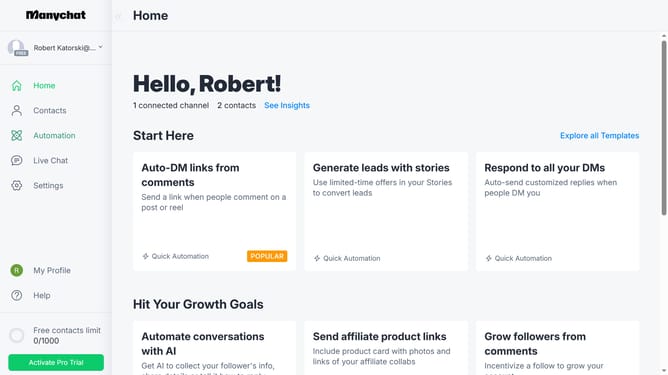
How to add a comment on an automation in Manychat
Here is how to add a comment on an automation in manychat
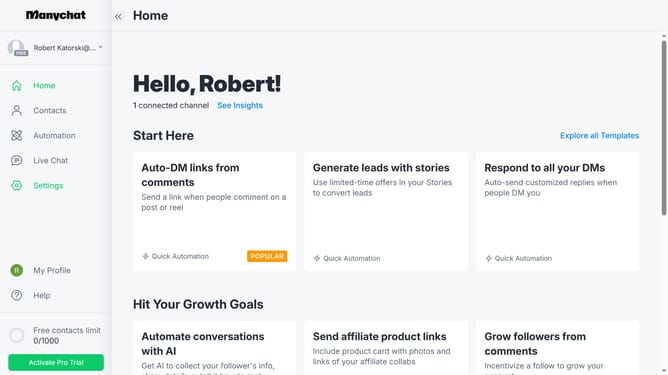
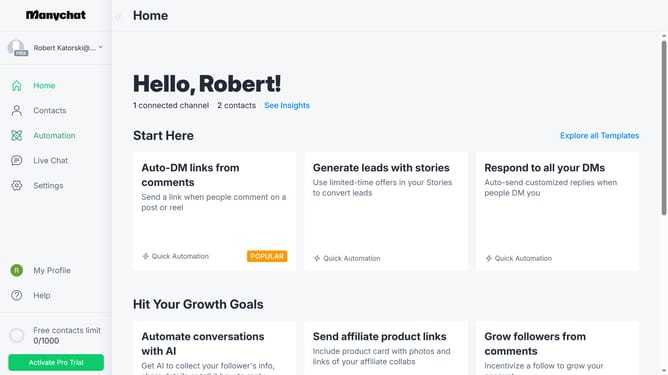
- First click on the "Automation" option in the left sidebar menu
- Then click on an automation in the automation list
- Next click on the "+" button in the right sidebar to add a new step
- Then scroll down in the popup menu
- Click on the "Comment" option under the Extras section
- Finally click on the empty comment text area in the main editing panel and type in the comment you want to add
Why should you add a comment on an automation in Manychat
Manychat is a powerful platform designed to automate customer interactions, enhancing engagement and fostering meaningful connections.
Adding a comment on an automation in Manychat is an essential feature that streamlines workflow coordination, allowing team members to communicate seamlessly while automating tasks.
This feature simplifies collaboration, saves time, and ensures everyone is on the same page, resulting in a more efficient and effective automation process.
By incorporating comments, users can easily track changes and offer feedback, thus boosting overall productivity.
Last update