How to connect deepseek account in Manychat
Here is how to connect deepseek account in manychat
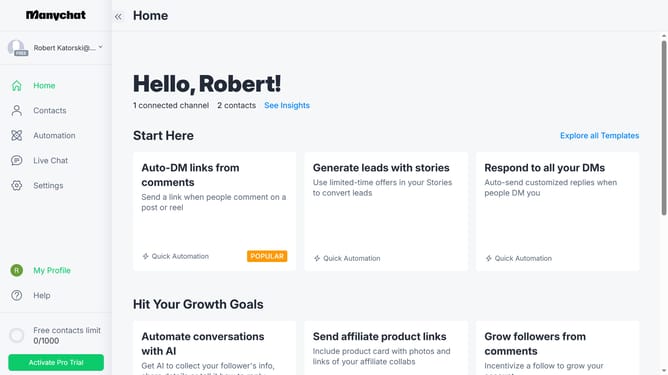
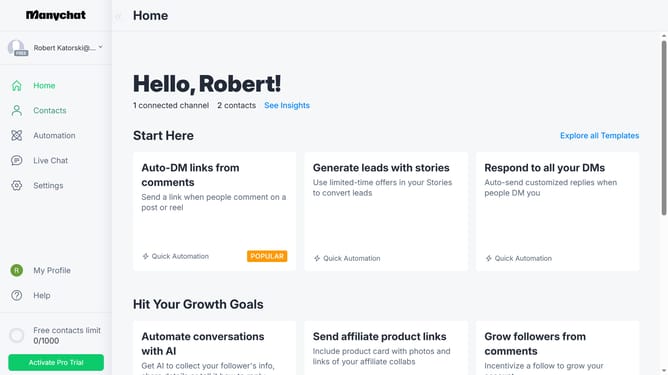
- First click on the "Settings" option in the left sidebar menu
- Then scroll down in the settings menu
- Next click on "Integrations" in the settings sidebar menu
- Then scroll down in the integrations settings
- Finally click on "Connect DeepSeek" to integrate it to your Manychat
Why should you connect deepseek account in Manychat
Manychat is a powerful tool designed to automate and enhance customer interactions via chat platforms.
Connecting your Deepseek account in Manychat allows seamless integration that enriches data handling and boosts conversational capabilities.
By linking these two platforms, users benefit from enhanced tracking and personalized interactions, ensuring conversations are more meaningful and targeted.
This integration streamlines workflow, offering a more efficient way to manage customer interactions, leading to improved engagement and customer satisfaction.
Last update