How to filter contacts by last name in ManyChat
Here is how to filter contacts by last name in manychat
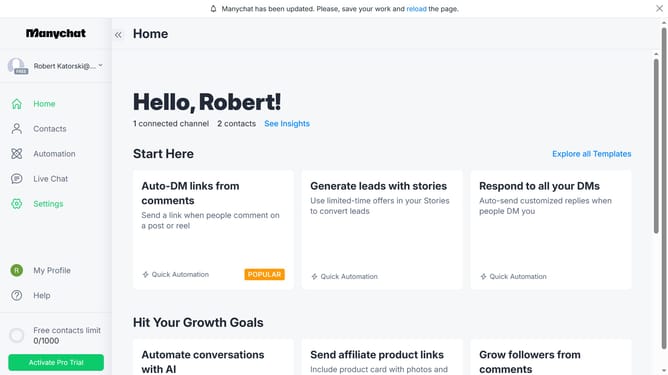
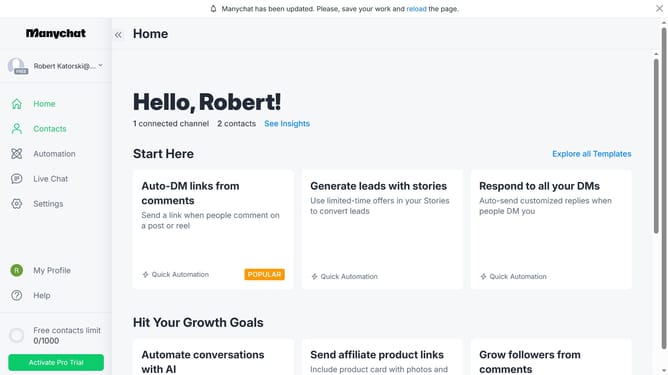
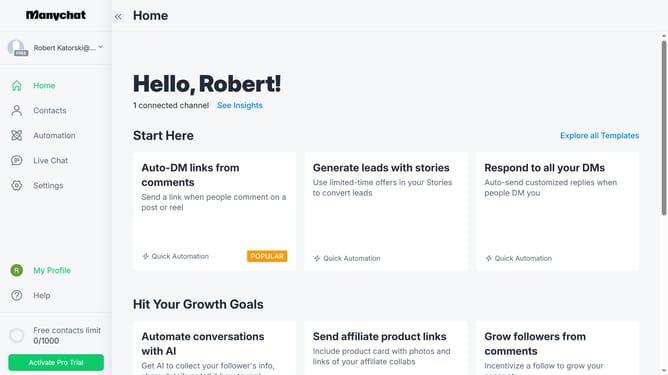
- First click on "Contacts" in the left sidebar menu
- Then click on "Filter" button in the main content area
- Next click on "+ Condition" button to add a new filter condition
- Click on "System Fields" in the filter dropdown menu
- Select "Last Name" from the system fields list
- Click on "is unknown" in the condition dropdown
- Select "is" from the dropdown menu
- Finally click the last name you want to filter from the dropdown menu to complete the filter condition
Why should you filter contacts by last name in ManyChat
ManyChat is a dynamic messaging platform tailored for enhancing business communication.
Filtering contacts by last name in ManyChat is a powerful feature that streamlines the organization of your audience. This convenient option allows you to quickly locate specific users, ensuring that targeted messaging becomes more efficient.
By utilizing this feature, you maintain a well-organized database, fostering deeper customer relationships while enhancing marketing strategies. Such precision ultimately leads to a more personalized user experience, directly contributing to improved communication outcomes.
Last update