How to clear a user field for multiple contacts in ManyChat
Here is how to clear a user field for multiple contacts in manychat
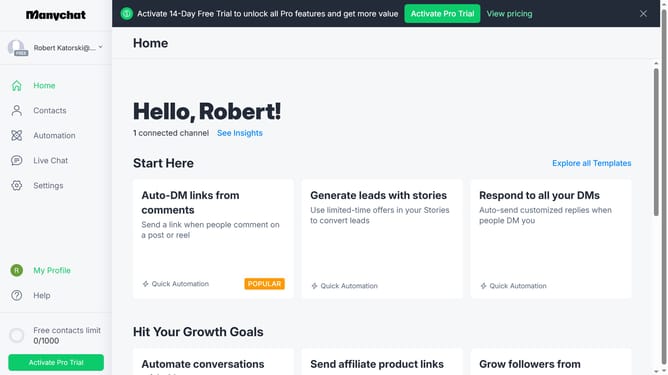
- First click on the "Contacts" link in the left sidebar menu
- Select the checkbox of multiple contacts you want to clear a user field for from the contact list
- Click the "Bulk Actions" button in the top right corner
- Scroll down in the dropdown menu
- Click "Clear User Field" from the dropdown option
- Click "Clear User Field" text field
- Select the user field you want to clear from the selected contacts
- Click the "Save" button in the dialog window
- Finally click the "Confirm" button in the confirmation dialog
Why should you clear a user field for multiple contacts in ManyChat
ManyChat is your go-to platform for creating automated bots that enhance customer communication.
The ability to clear a user field for multiple contacts is a standout feature in ManyChat. This function allows you to effortlessly reset specific user data across numerous contacts, ensuring consistency and accuracy in your records.
Utilizing this feature enhances your campaign's relevancy by allowing for precise data management. It is a time-saving tool that effortlessly streamlines your workflow, allowing you to focus on what truly matters: engaging your audience effectively.
Last update