How to add full guide link on template in ManyChat
Here is how to add full guide link on template in manychat
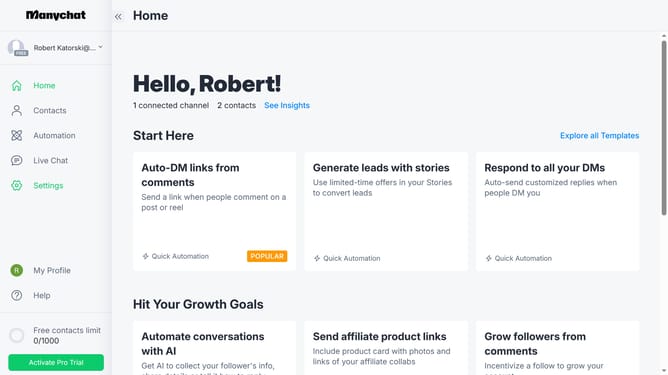
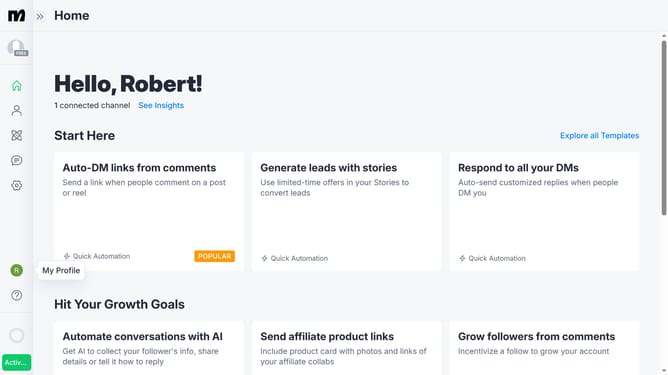
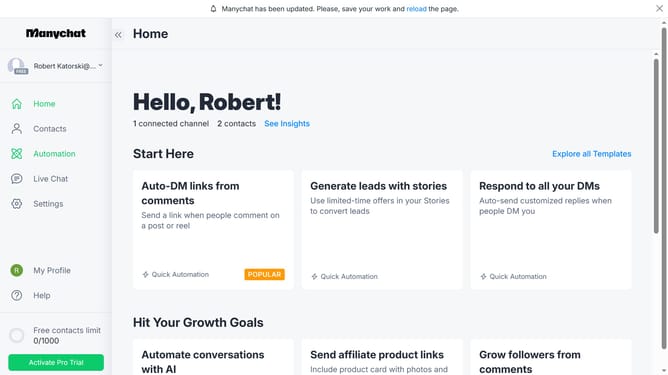
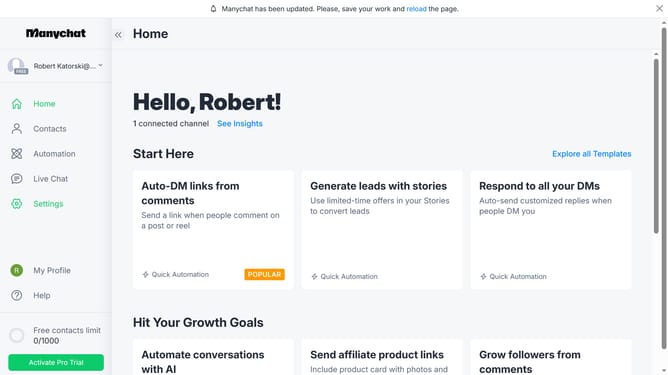
- First click on "My Profile" in the left sidebar
- Then select "My Templates" from the profile dropdown menu
- Next click on the template you want to add a video guide link from the templates list
- Click the "Full guide link" input field and type in the guide link for your template
- Finally click "Save" on the bottom right to save the changes
Why should you add full guide link on template in ManyChat
ManyChat is a powerful tool designed to effortlessly automate customer interactions using chatbots.
Embedding a full guide link in a ManyChat template enriches the user's journey by providing comprehensive resources in a single click. This feature guides users effortlessly, enhancing their experience and engagement with your content.
Utilizing full guide links in templates ensures clarity and immediacy, empowering users to access detailed information right when they need it. This seamless integration fosters a more connected and informed user base while streamlining communication.
Last update