How to build automations in Manychat
Here is how to build automations in manychat
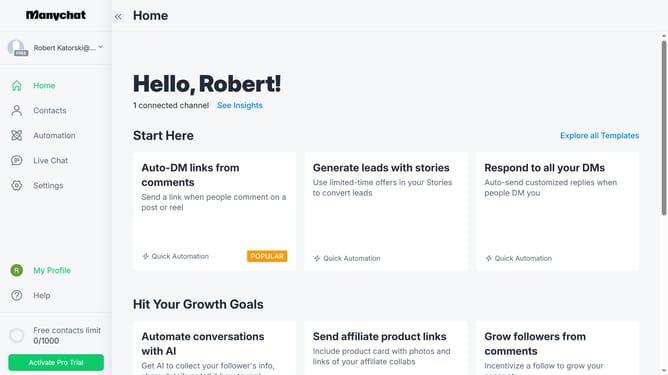
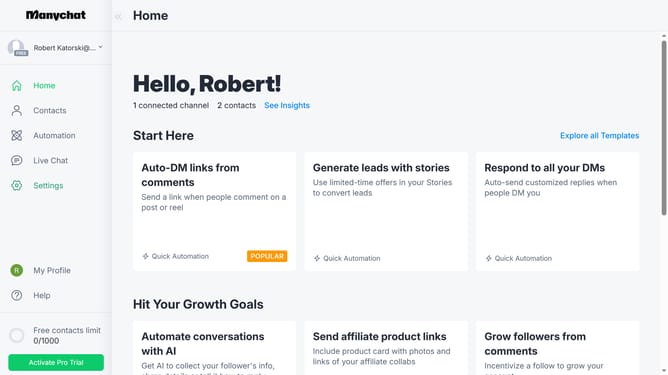
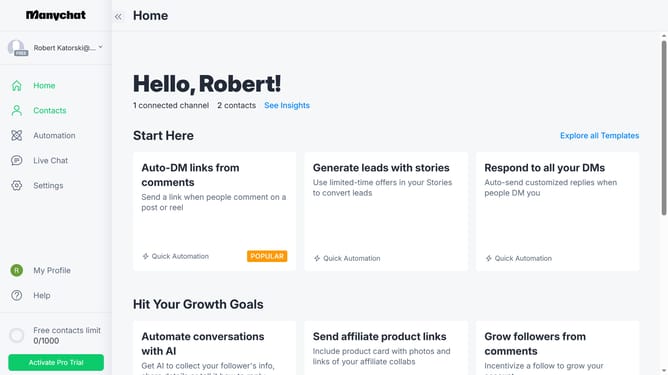
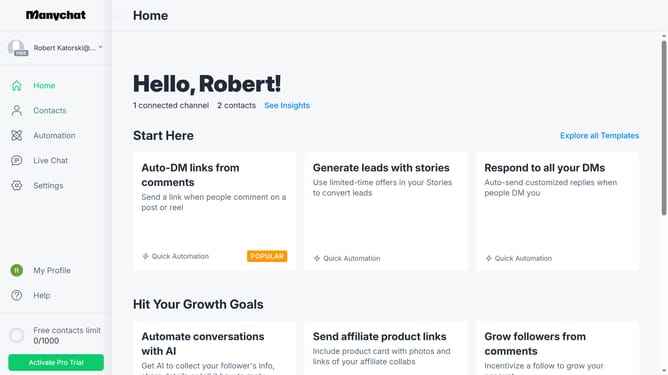
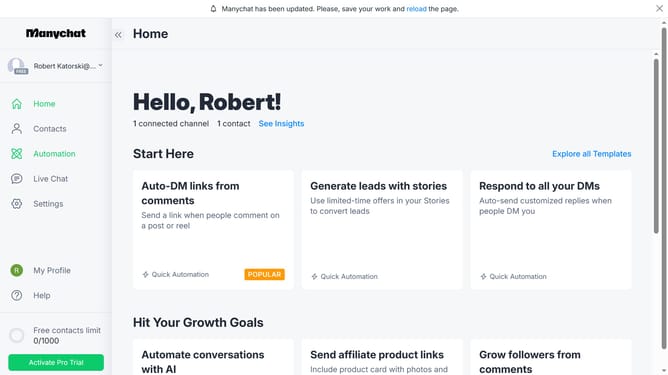
- First click on the "Automation" option in the left sidebar menu
- Then click on the "New Automation" button in the top right corner
- Click on the trigger area labeled "+ New Trigger" to add a new automation trigger
- Select your preferred trigger option from the triggers list
- Click on the message block in the flow builder
- Click on the message text input field to enter your automated response
- Finally click the "Set Live" option on the top right of the flow builder page
Why should you build automations in Manychat
Manychat is a powerful platform designed to streamline your customer interactions through easy bot automation on messaging apps.
Building automations in Manychat allows businesses to connect with their audience efficiently and with less manual effort.
By creating automated workflows, you can ensure timely responses, nurture leads, and provide personalized experiences without the constant need for direct involvement.
Utilizing these features not only enhances operational efficiency but also boosts customer satisfaction by delivering consistent and quick responses.
Last update