How to archive a user field in Manychat
Here is how to archive a user field in manychat
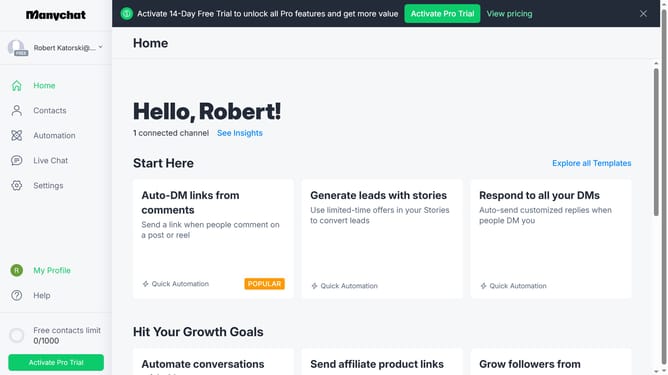
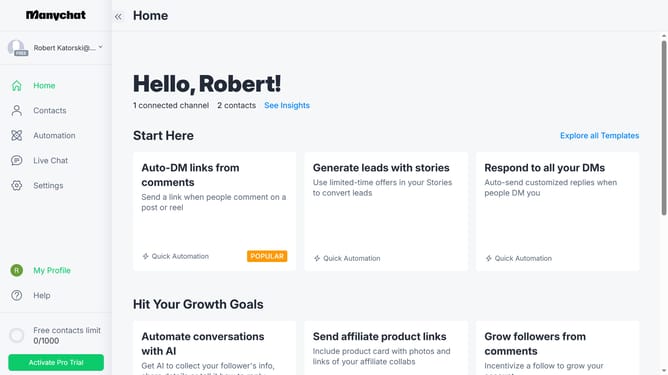
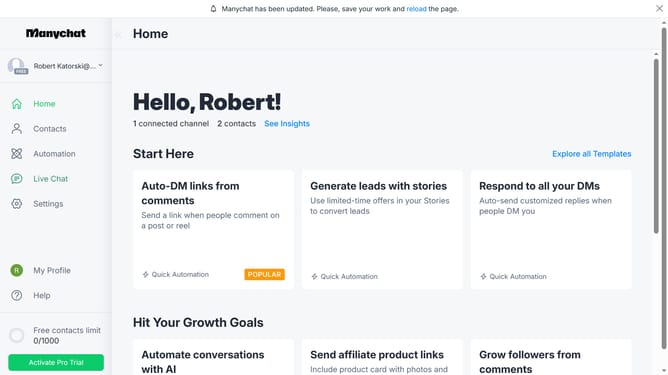
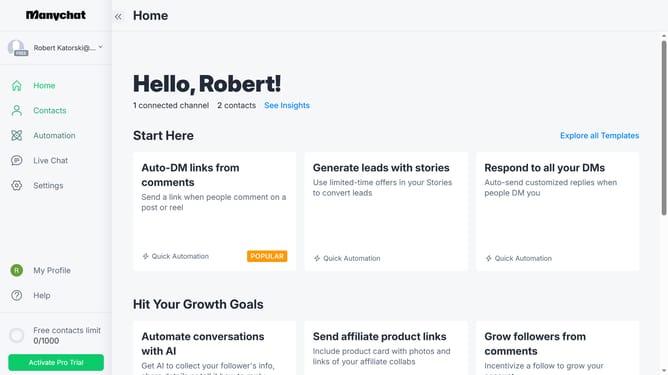
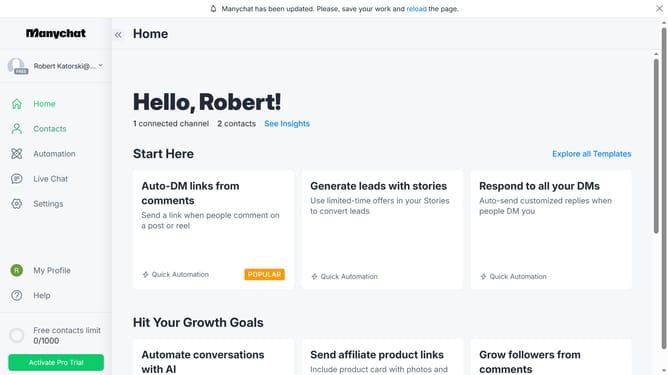
- First click on the "Settings" option in the left sidebar menu
- Then scroll down in the general settings page
- Next click on "Fields" option under the Automation section in the left submenu
- Then scroll up in the fields settings page
- Next click on the three dots menu button next to the user field you want to archive
- Finally click on "Archive" in the dropdown menu
Why should you archive a user field in Manychat
Manychat is a powerful tool for automating and enhancing customer interactions via chatbots.
Archiving a user field in Manychat allows you to streamline your user data, ensuring your system is organized and efficient.
This feature empowers users to maintain a clutter-free database, making it easy to focus on active and relevant user information.
By archiving non-essential user fields, you enhance system performance and improve your engagement by targeting the right audience with precise data.
Last update