How to resume automations for a contact in Manychat
Here is how to resume automations for a contact in manychat
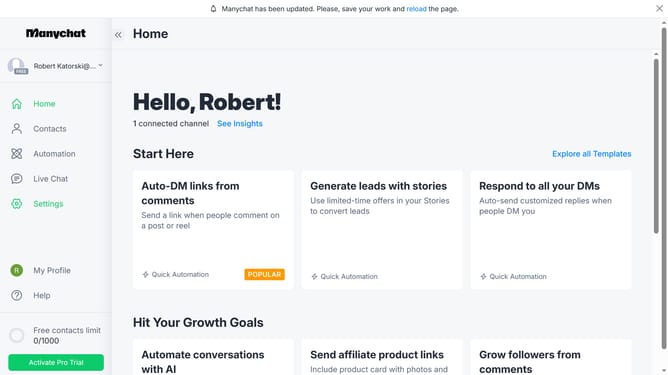
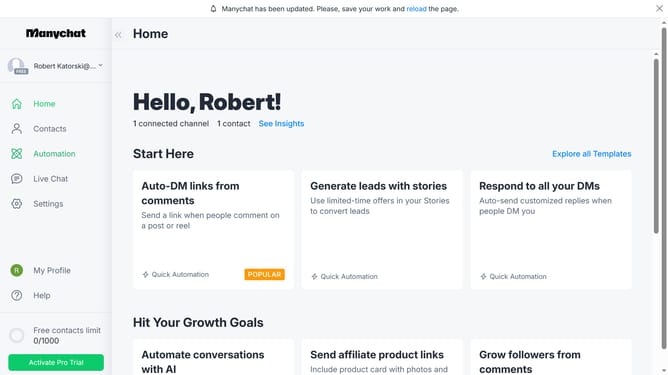
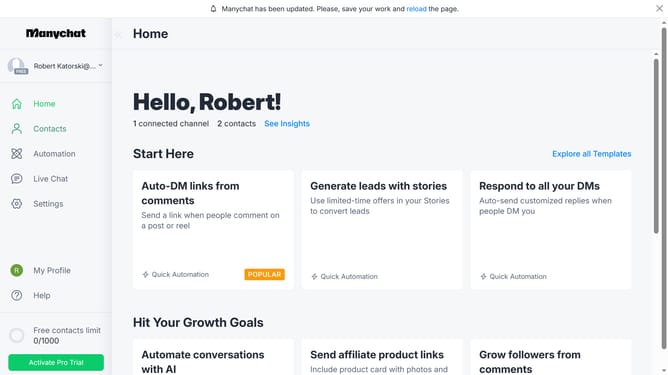
- First click on the "Contacts" option in the left sidebar menu
- Then click on the contact you want to resume the automation from the contacts list
- Next click on the automation status button in the contact details modal
- Finally click on "Resume automations" option in the pause duration dropdown menu
Why should you resume automations for a contact in Manychat
Manychat is a powerful tool that streamlines customer communication through automated messaging.
Resuming automations for a contact in Manychat is a vital feature that ensures your engagement efforts are uninterrupted.
This ability allows you to seamlessly pick up the conversation, maintaining the flow of interaction and nurturing customer relationships.
By resuming automations, businesses can provide timely responses, enhancing customer satisfaction and fostering stronger connections.
Last update