How to connect kit account in Manychat
Here is how to connect kit account in manychat
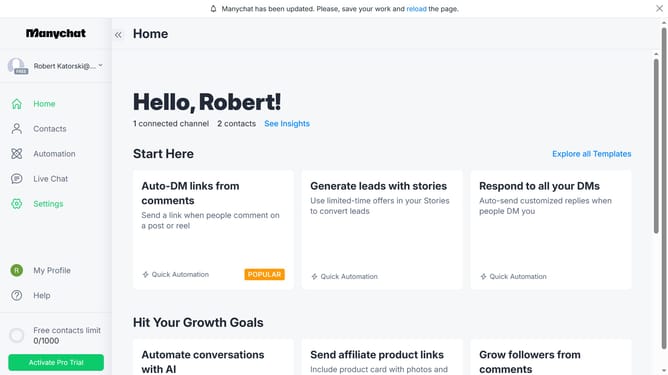
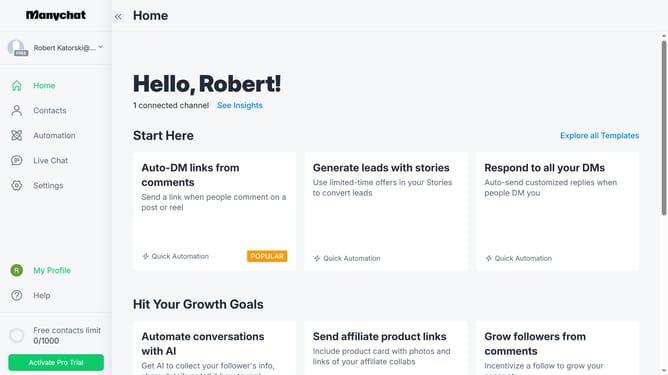
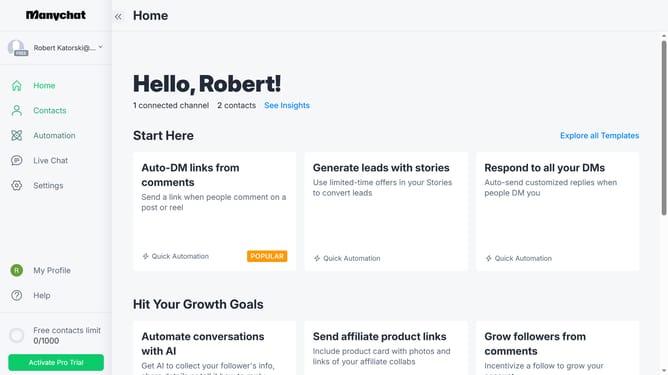
- First click on the "Settings" option in the left sidebar menu
- Then scroll down in the settings
- Next click on the "Integrations" menu item in the left settings panel
- Then select scroll down in the integrations settings
- Finally click the "Connect Kit Account" button to integrate Kit with your Manychat
Why should you connect kit account in Manychat
Manychat is an intuitive platform designed to revolutionize customer interaction through smart automation.
Connecting your Kit account in Manychat unlocks a seamless integration facilitating enhanced marketing strategies.
This feature streamlines communication processes, ensuring timely responses and boosting customer engagement effortlessly.
By leveraging this connection, users can enjoy the dual benefits of streamlined operations and enriched customer insights.
Last update