How to lock a template from editing in ManyChat
Here is how to lock a template from editing in manychat
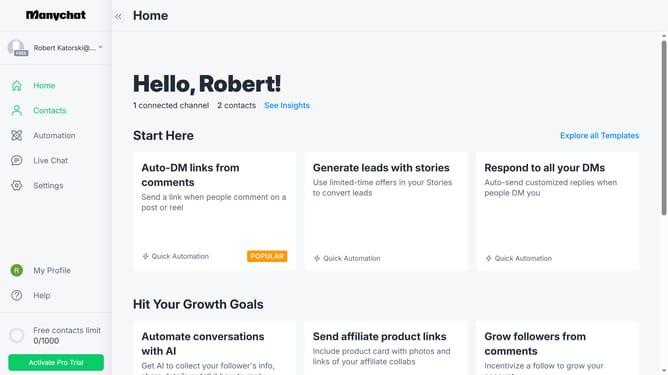
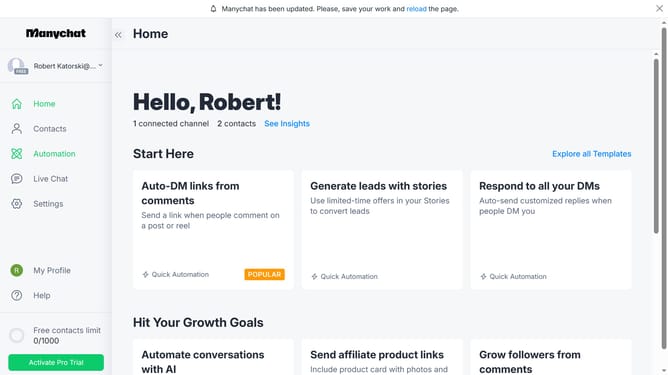
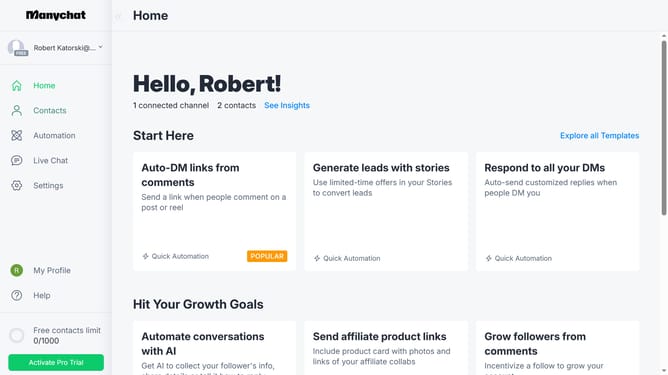
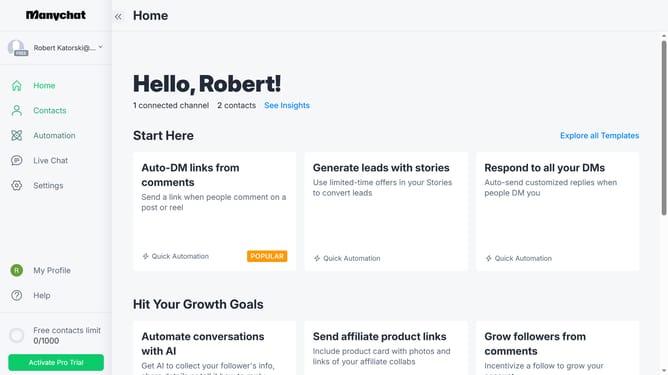
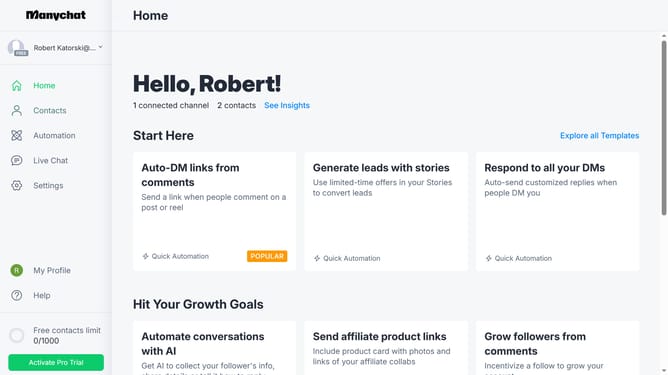
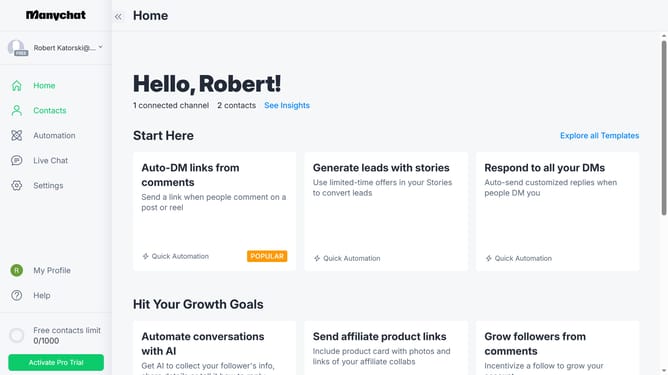
- First click on "My Profile" in the left sidebar
- Then click on "My Templates" from the profile dropdown menu
- Next click on "Manychat sample template" from the templates list
- Then click the "Edit Template" button in the top right corner
- Click "Next Step" to proceed with template editing
- Click "Next Step" again to continue to the next section
- Then toggle the switch on "Lock for editing" in the template settings
- Then enable "Lock for editing" in the template settings
- Next click the "Next Step" button on the top right
- Finally click the "Update" button to save all changes
Why should you lock a template from editing in ManyChat
ManyChat is an innovative platform designed for creating and automating messaging bots seamlessly.
Locking a template from editing in ManyChat ensures that your carefully crafted chatbot flows stay intact and consistent.
This feature safeguards your templates from unintended changes, preserving the integrity of your communication strategy.
Using this feature fosters collaboration with team members while protecting your work, ensuring everyone stays on the same page without risking alterations.
Last update