How to remove a tag from multiple contacts in Manychat
Here is how to remove a tag from multiple contacts in manychat
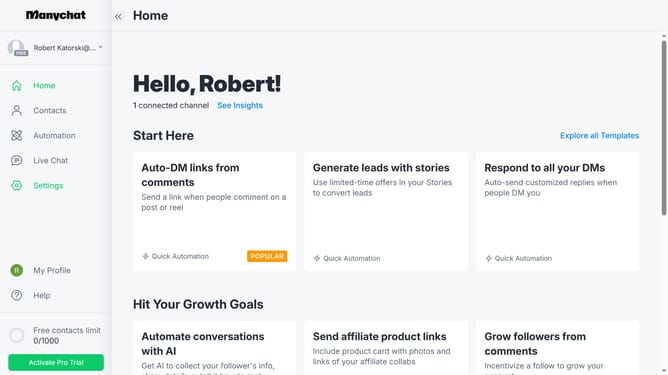
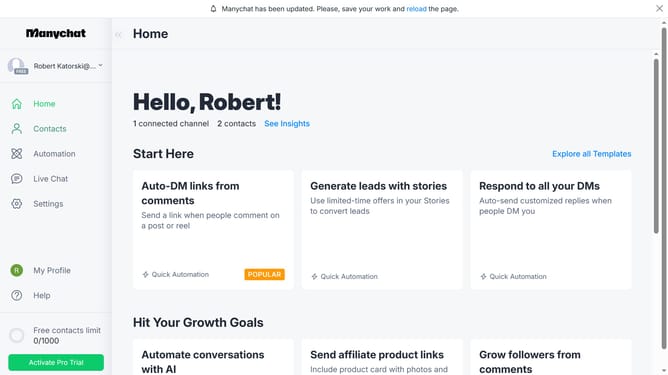
- First click on the "Contacts" item in the left sidebar menu
- Then click on the checkbox next to the contacts you want to remove tags from in the contacts list
- Click on the "Bulk Actions" button in the top right corner
- Select "Remove Tag" from the dropdown menu
- Click the empty text field to open the tag selection dropdown
- Select the tag you want to remove from the contacts from the available options
- Click the "Save" button to apply the tag removal
- Finally click "Confirm" in the confirmation dialog
Why should you remove a tag from multiple contacts in Manychat
Manychat is a powerful platform designed to enhance communication through automation and chatbots.
One of its standout features is the ability to efficiently manage tags across multiple contacts. By removing tags from multiple contacts at once, you streamline your contact management, ensuring your messaging stays organized and relevant.
This feature not only saves time by eliminating repetitive tasks but also enhances your marketing strategy by improving audience segmentation and targeting.
Last update