How to add an unsubscribe from sequence action in Manychat
Here is how to add an unsubscribe from sequence action in manychat
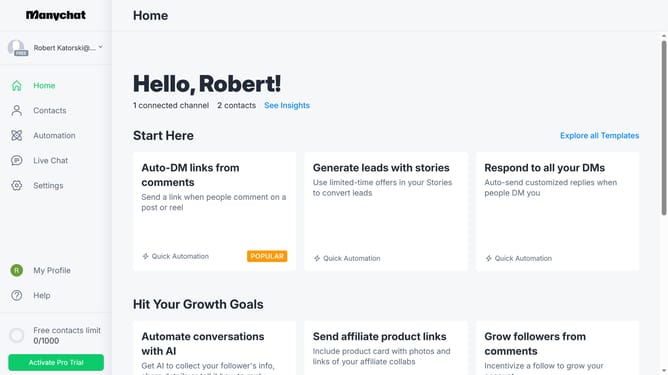
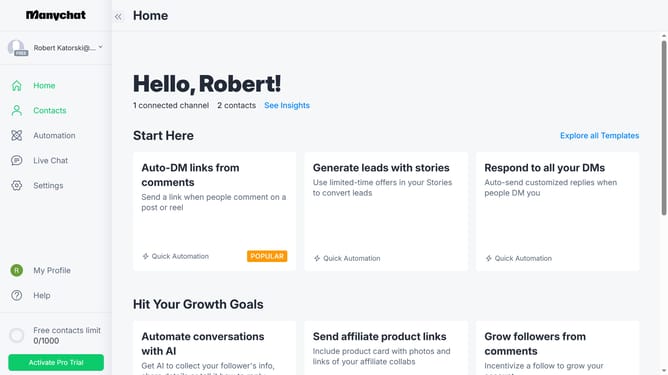
- First click on "Automation" in the left sidebar menu
- Click an automation from the automation list
- Click on the "Actions" element in the automation flow diagram
- Scroll down in the pop up menu
- Click on the "Actions" option in the Logic section of the side panel
- Click the "+ Action" button to add a new action
- Click on the "Automation" category in the actions menu
- Select "Unscubscribe from Sequence" from the action list
- Click on the "Unsubscribe from Sequence" empty text field
- Finally select the sequence you want to unsubscribe from when the action triggers
Why should you add an unsubscribe from sequence action in Manychat
Manychat is a dynamic platform designed to enhance customer engagement through intuitive chatbot automation.
The feature to add an unsubscribe from sequence action in Manychat ensures your audience feels in control and respected, which is crucial for maintaining a positive brand relationship.
By allowing users to easily opt out, businesses can better tailor their communication strategies, leading to more effective interactions. This feature not only enhances user experience but also helps refine audience targeting by maintaining an engaged and interested subscriber list.
Last update