How to disable sharing of an automation in ManyChat
Here is how to disable sharing of an automation in manychat
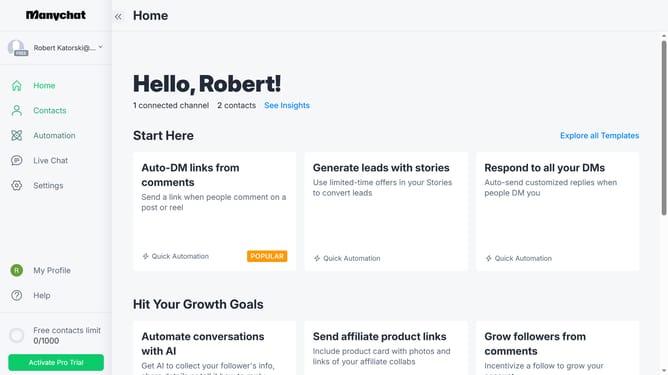
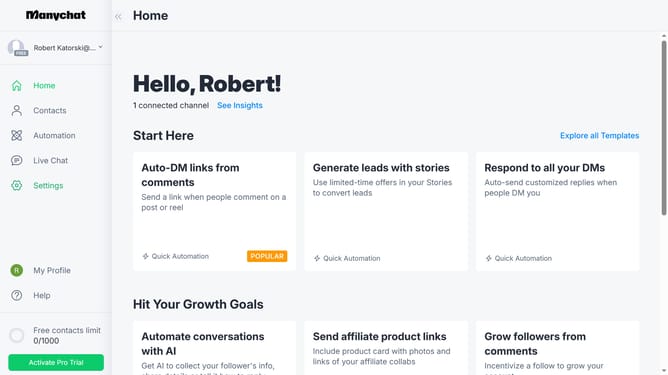
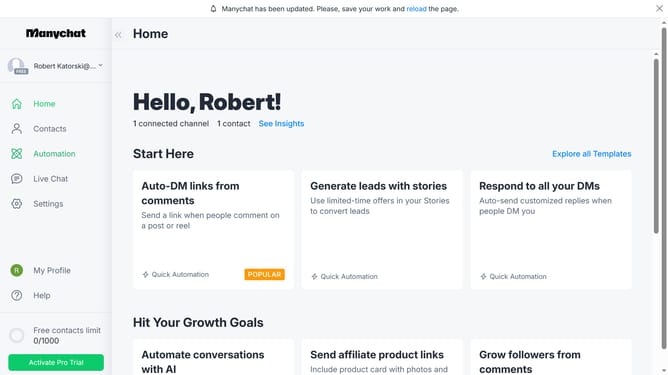
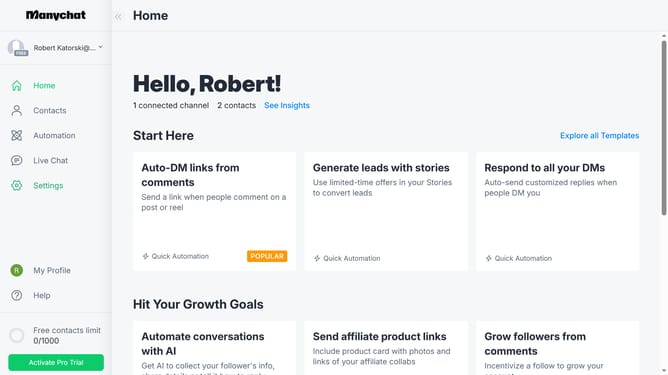
- First click on the "Automation" item in the left sidebar menu
- Then click on the automation you want to disable sharing for from the automation list
- Next click on the menu icon (three dots) in the top-right corner
- Then select "Share this Automation" option from the dropdown menu
- Finally toggle the "Enable Sharing" switch off in the sharing modal window
Why should you disable sharing of an automation in ManyChat
ManyChat is a powerful platform designed to streamline customer communication through seamless automation.
One valuable feature of ManyChat is the ability to disable sharing of an automation. This ensures that your unique workflows and strategies remain protected and exclusive to your brand.
By controlling who can access and use your automations, you maintain the integrity of your customer interactions. This enhances security and fosters innovation, allowing you to develop personalized marketing strategies unique to your business.
Last update