How to create a number user field in Manychat
Here is how to create a number user field in manychat
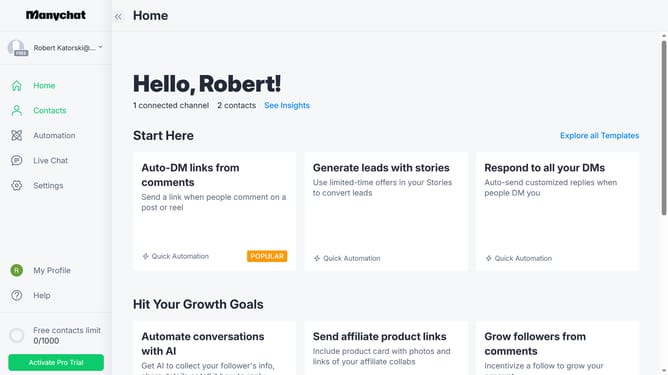
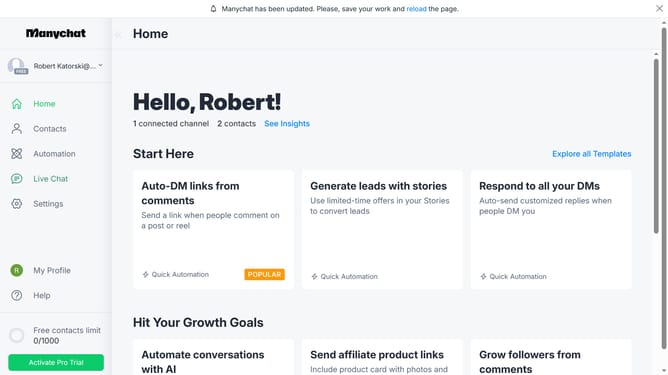
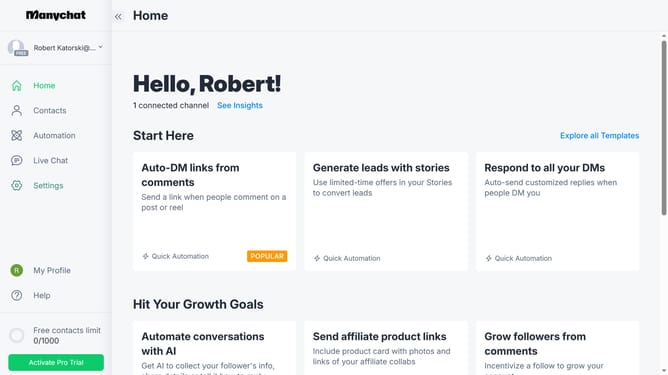
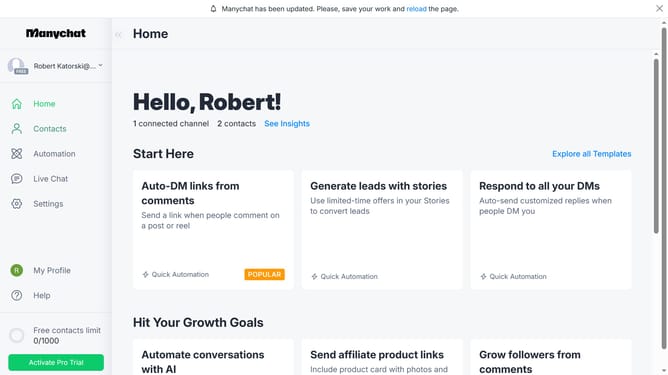
- First click on the "Settings" option in the left sidebar menu
- Then scroll down in the general settings
- Next click on "Fields" under the Automation section in the left settings menu
- Then scroll up in the fields settings page
- Next click on the "+ New User Field" button in the top-right corner
- In the popup modal, click on the "Type" dropdown field
- From the dropdown menu, select "Number" as the field type
- Click the name text input field and type in the desired name for your number user field
- Click on the "Folder" dropdown field
- Select your preferred folder to create your number userfield from the folder options
- Finally click the "Create" button to create the new user field
Why should you create a number user field in Manychat
Manychat revolutionizes customer engagement by enabling businesses to automate interactions via chatbots seamlessly.
Creating a number user field in Manychat elevates how you can interact with users by storing and manipulating numerical data specific to each individual. This feature empowers businesses to collect, calculate, and personalize user experiences based on numerical information.
Whether tracking user points, calculating discounts, or setting thresholds, the function provides endless possibilities for enhancing customer interactions and tailoring marketing campaigns effectively.
Last update