How to connect google sheets account in Manychat
Here is how to connect google sheets account in manychat
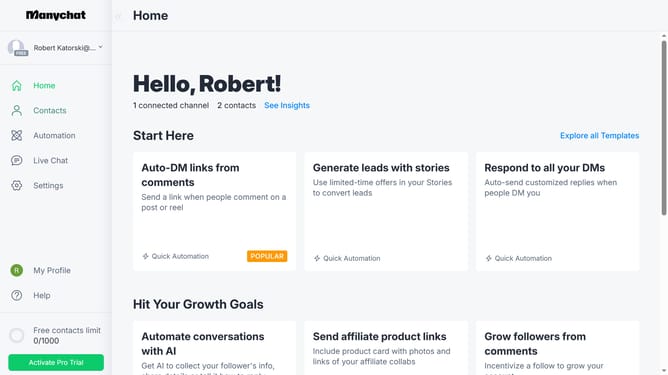
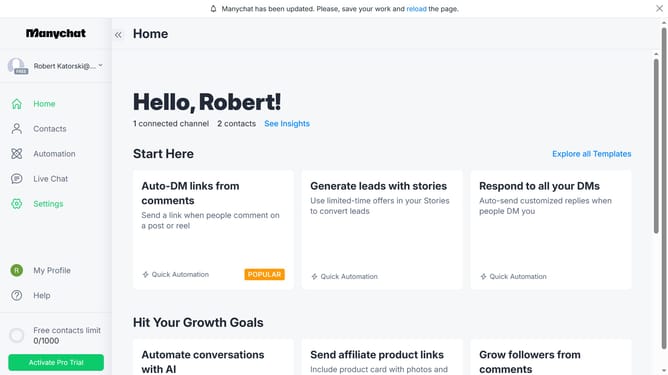
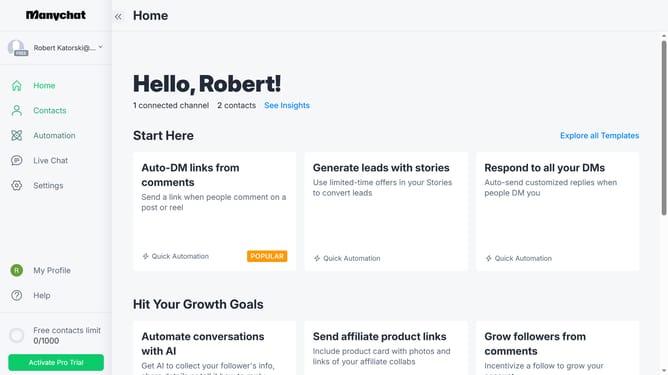
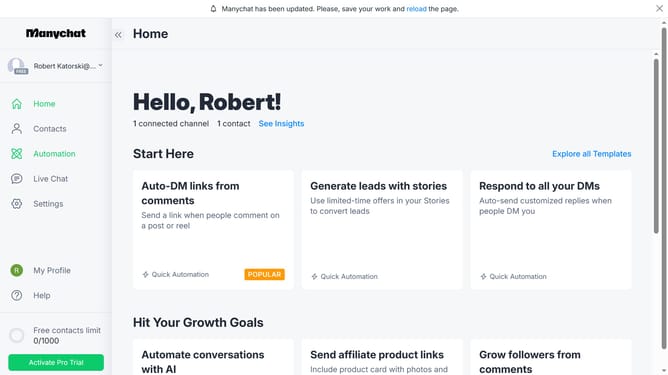
- First click on the "Settings" option in the left sidebar menu
- Then scroll down in the settings
- Next click on "Integrations" at the bottom of the settings menu
- Finally click on the "Google Sheets" integration option in the integrations panel
Why should you connect google sheets account in Manychat
Manychat is a powerful platform for automating interactive conversations with your audience across messaging apps.
Connecting a Google Sheets account in Manychat allows seamless integration of data collection and management, enhancing the efficiency of your campaigns.
This feature is beneficial as it lets you capture and store user responses in real-time, providing you with instant access to crucial insights.
Leveraging this connection not only streamlines your workflow but also enriches your strategy with data-driven decisions.
Last update