How to enable instagram conversation starters in Manychat
Here is how to enable instagram conversation starters in manychat
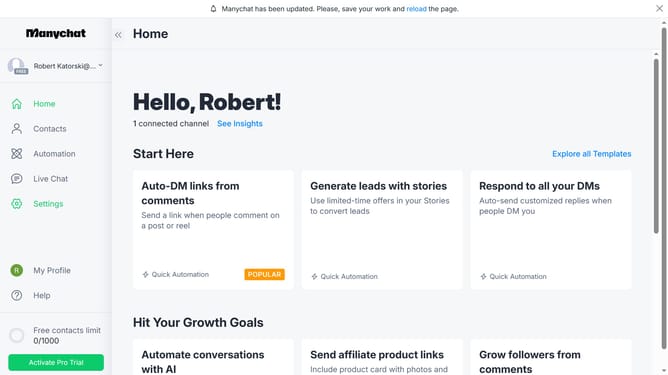
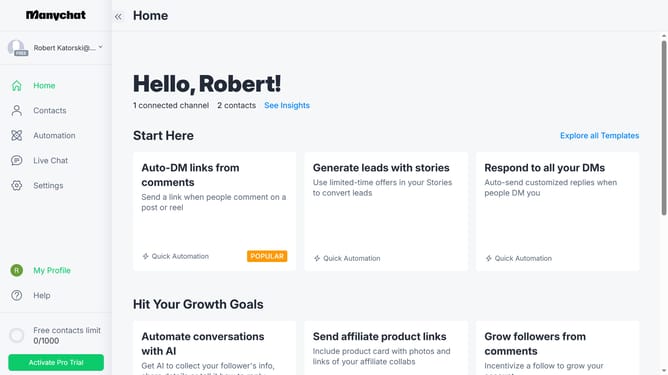
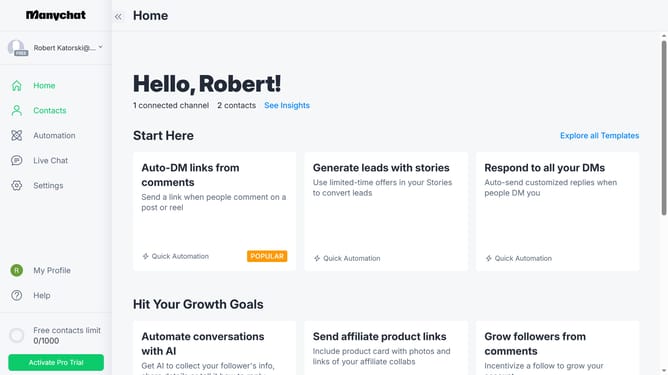
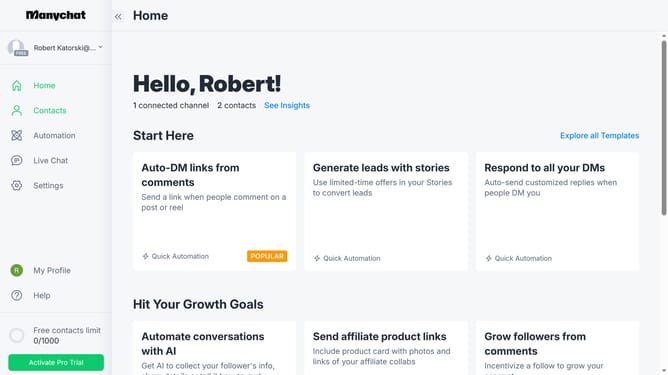
- First click on the "Settings" option in the left sidebar menu
- Then click on the "Instagram" channel under the Channels section in the settings menu
- Next click the "Edit" button next to the Conversation Starters option
- Then click the "Edit" button next to Main Menu to customize navigation options
- Finally click the switch that says "Disabled" in the top-right corner of to enable the conversation starters
Why should you enable instagram conversation starters in Manychat
Manychat is a dynamic tool designed to enhance customer interactions through automated messaging.
Enabling Instagram conversation starters in Manychat opens the door to engaging your audience the moment they interact with your brand.
This feature simplifies the engagement process, allowing potential customers to start meaningful conversations effortlessly.
By leveraging conversation starters, brands can increase user interactions, thus boosting customer satisfaction and loyalty.
Last update