How to connect hubspot crm account in Manychat
Here is how to connect hubspot crm account in manychat
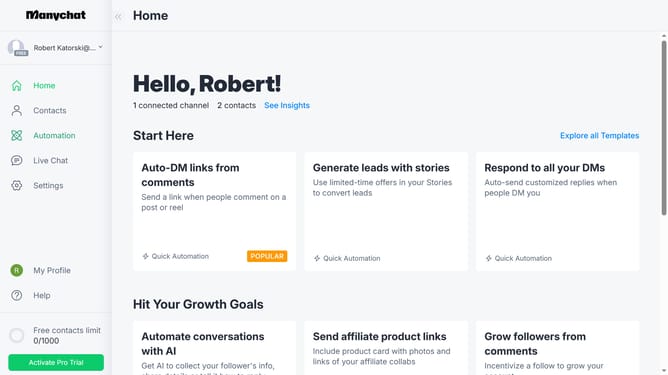
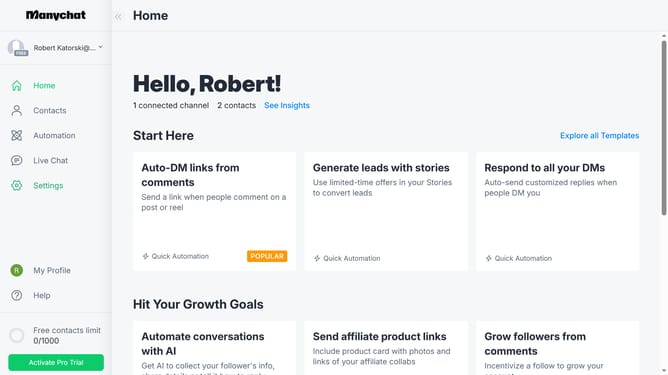
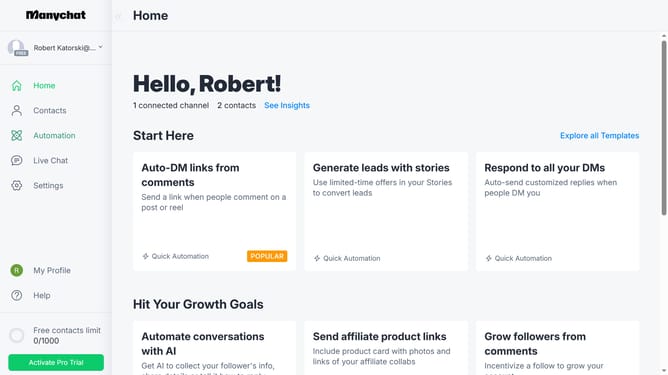
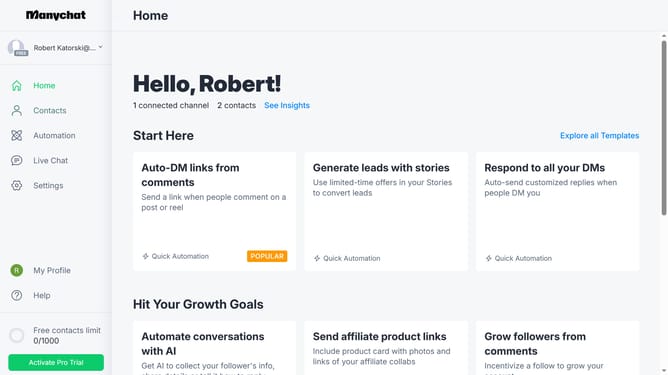
- First click on the "Settings" option in the left sidebar menu
- Then scroll down in the settings menu
- Click on the "Integrations" menu item in the left settings panel
- Scroll down in the Integerations page
- Finally click the "Connect Hubspot CRM" button to integrate Hubspot CRM with your Manychat
Why should you connect hubspot crm account in Manychat
Manychat is a powerful tool designed to seamlessly automate and enhance your messaging strategy.
Integrating your HubSpot CRM account with Manychat is a feature that elevates communication by syncing valuable customer data, enabling personalized interactions. By linking these two platforms, you consolidate customer information, ensuring a more informed and streamlined approach to engaging your audience.
This connection fosters improved customer relationship management, enabling businesses to nurture leads more effectively, resulting in increased customer satisfaction and loyalty.
Last update