How to set conversations assignment limit in Manychat
Here is how to set conversations assignment limit in manychat
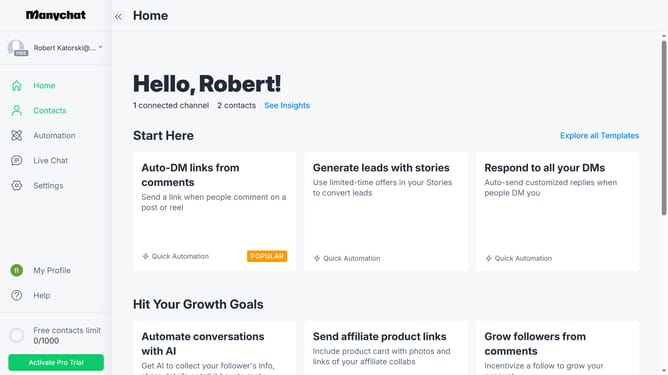
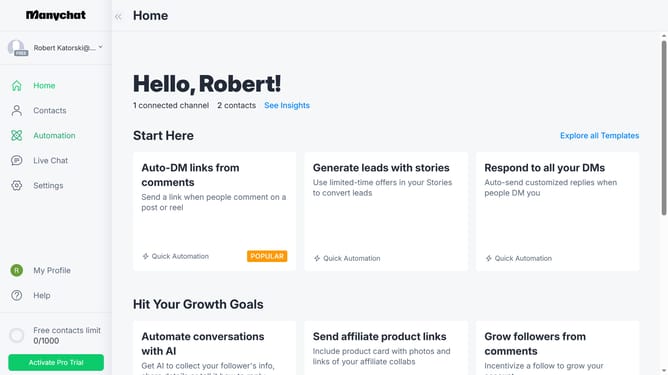
- First click on "Settings" in the left sidebar menu
- Then click on "Team Members" in the settings menu
- Next click on "Edit" button next to the team member you want to set conversations assignment limit
- Next scroll down in the team member details panel
- Then click on "Set Up The Limit" button in the conversations assignment limit section
- Next click the up or down arrow button to change the conversations assignment limit
- Finally click "Save" button to apply the changes
Why should you set conversations assignment limit in Manychat
Manychat is a powerful platform designed to enhance customer interactions through automated messaging.
The conversation assignment limit feature is crucial for managing team workloads effectively. It enables you to distribute conversations evenly among team members, ensuring that no one is overwhelmed while maintaining a quick response time to customers.
This feature is beneficial because it streamlines operations, maximizes team productivity, and enhances customer satisfaction by guaranteeing prompt and efficient service.
Last update