How to delete multiple contacts in ManyChat
Here is how to delete multiple contacts in manychat
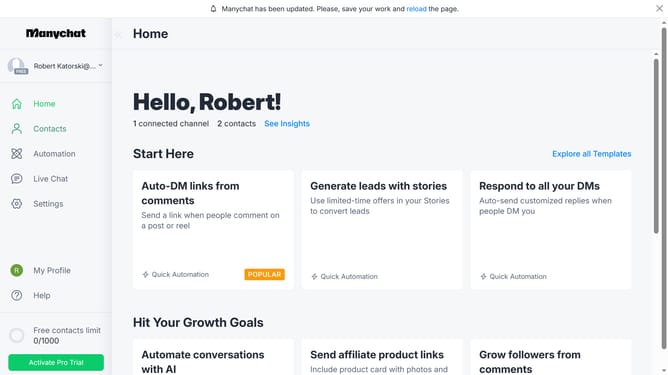
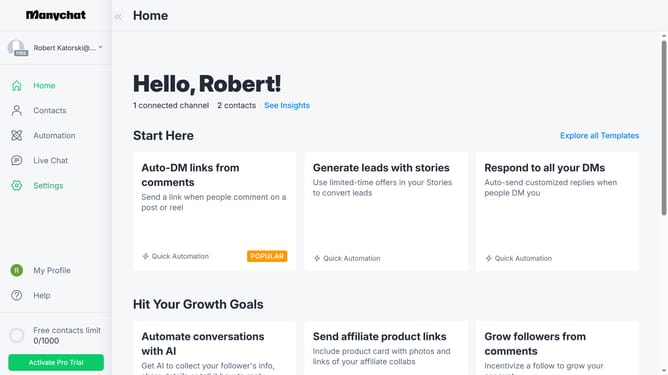
- First click on "Contacts" in the left sidebar menu
- Then click the checkbox of multiple contacts you want to delete
- Next click on "Bulk Actions" button in the top right corner
- In the dropdown menu scroll down
- Click "Delete Contact" from the dropdown menu
- Click the delete contact text input field and type int the word "delete"
- Finally click the "Delete" button to confirm contact deletion
Why should you delete multiple contacts in ManyChat
ManyChat is a powerful platform designed to streamline conversation automation across messaging apps.
The feature to delete multiple contacts in ManyChat is incredibly efficient. It offers the flexibility to manage your audience with ease.
Utilizing this feature helps maintain an organized contact list, improving targeted communication strategies. It's ideal for ensuring that your marketing efforts are directed towards the most relevant audience.
This contributes to cleaner, more effective engagements and boosts the overall performance of your campaigns.
Last update