How to add a remove tag action in Manychat
Here is how to add a remove tag action in manychat
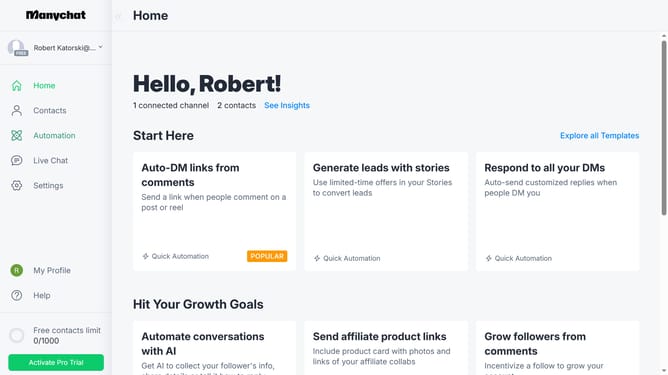
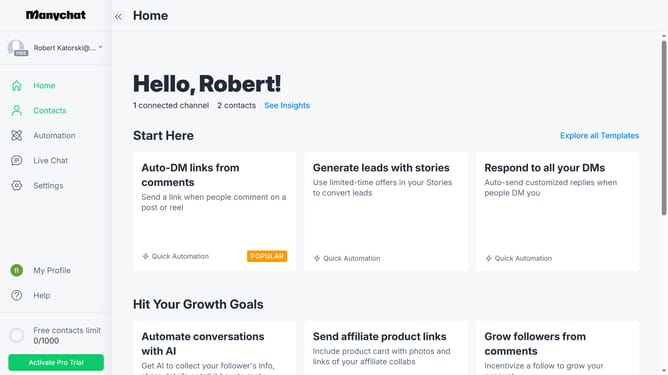
- First click on the "Automation" option in the left sidebar menu
- Click on an automation from the automation list
- Click the blue "+" button in the top-right corner to add a new step
- Scroll down in the popup menu
- Click "Actions" under the Logic section
- Click the "+ Action" button to add a new action
- Click on "Contact data" in the left menu of the actions modal
- Select the "Remove Tag" option from the Contact data actions list
- Click the "Remove Tag" text field area
- Finally click the tag you want to be removed when the action triggers from the dropdown options
Why should you add a remove tag action in Manychat
Manychat is a powerful platform designed to streamline and automate customer communication through chatbots.
The feature of adding a remove tag action in Manychat provides users with a seamless way to manage audience segmentation. This functionality allows for precise targeting and personalization of messages based on updated audience behaviors and preferences.
Using the remove tag action enhances the accuracy of your marketing campaigns by ensuring that messages reach the most relevant audience. This ultimately improves engagement and helps maintain a clean subscriber list, facilitating tailored marketing strategies and better results.
Last update