How to delete sequence in Manychat
Here is how to delete sequence in manychat
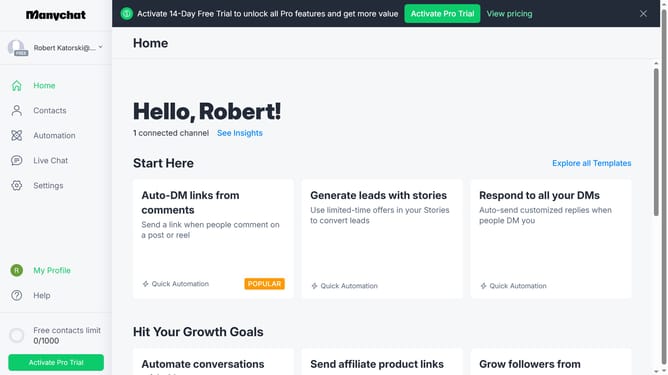
- First click on the "Automation" item in the left sidebar menu
- Next click on the "Sequences" tab in the left submenu
- Then click on the "More options" button (three dots) next to the sequence you want to delete
- Next select "Delete" from the dropdown option
- Finally click the "Delete" button in the confirmation dialog to remove the sequence
Why should you delete sequence in Manychat
Manychat is a cutting-edge platform designed to automate and enhance communication through chatbots.
The ability to delete sequences in Manychat empowers you to effortlessly manage and optimize your bot's content.
Removing outdated or irrelevant sequences helps streamline interactions, ensuring that your messaging is precise and up-to-date.
This feature is especially beneficial as it maintains the effectiveness of your marketing strategies and enhances the overall user experience.
Last update