How to turn on remote control for templates in Cal.com
Here is how to turn on remote control for templates in cal.com
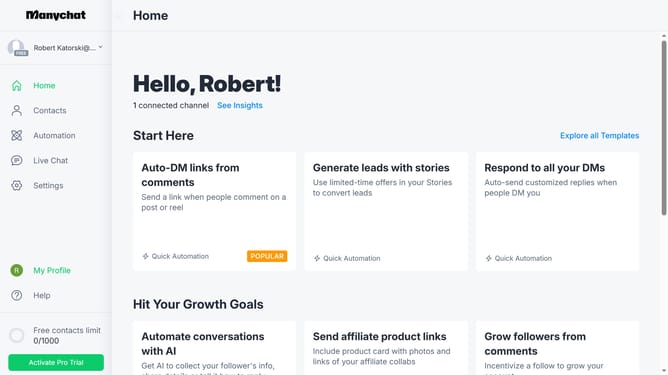
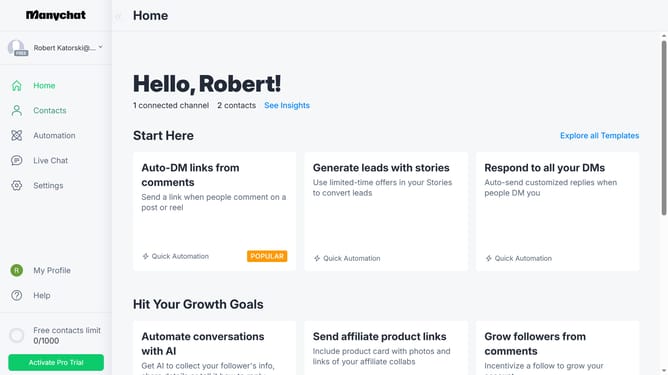
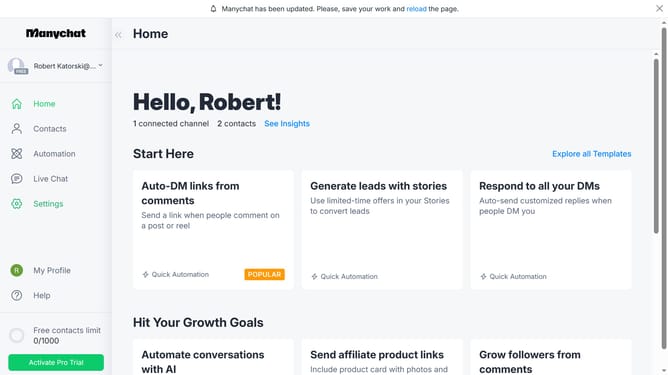
- First click on "My Profile" link in the left sidebar
- Then click on "My Templates" in the dropdown menu
- Next click on "Manychat sample template" item in the templates list
- Then click on "Edit Template" button in the top right corner
- Next click on "Next Step" button in the top right corner
- Then click on "Next Step" button again to proceed
- Click on "Protect template" toggle switch in the final steps section
- Then click on "Remote Control" toggle switch in the final steps section
- Next click the "Next Step" button on the top right
- Finally click on "Update" button in the confirmation dialog
Why should you turn on remote control for templates in Cal.com
Manychat is a dynamic platform designed to elevate customer interactions through automated messaging.
Enabling remote control for templates in Cal.com offers substantial flexibility in managing scheduling and communications. By activating this feature, businesses can efficiently update and customize their booking interfaces, ensuring that their calendars always reflect accurate availability.
Remote control access streamlines administrative workflows, enhances collaborative efforts among team members, and ensures consistency across varied scheduling environments. This not only improves efficiency but also enhances the client experience, fostering easier interactions and stronger connections.
Last update