How to filter contacts by first name in Manychat
Here is how to filter contacts by first name in manychat
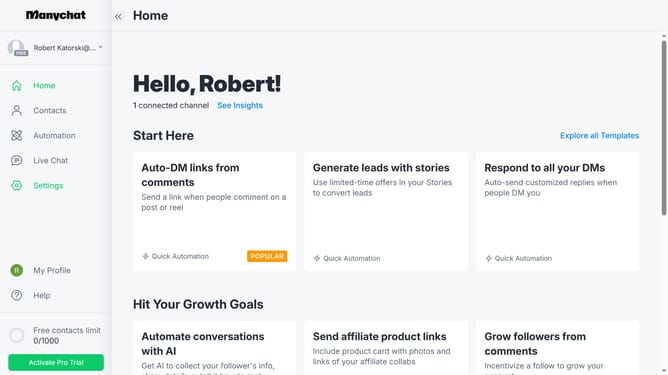
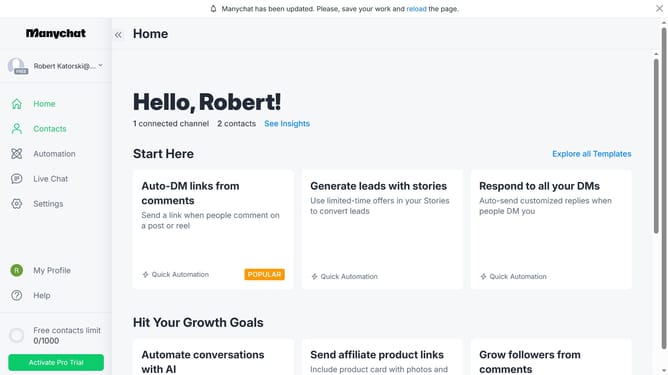
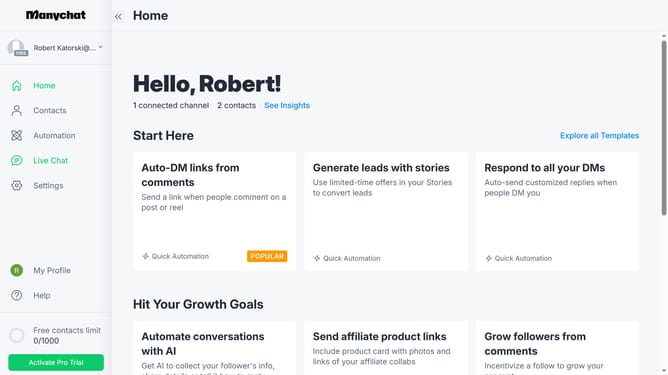
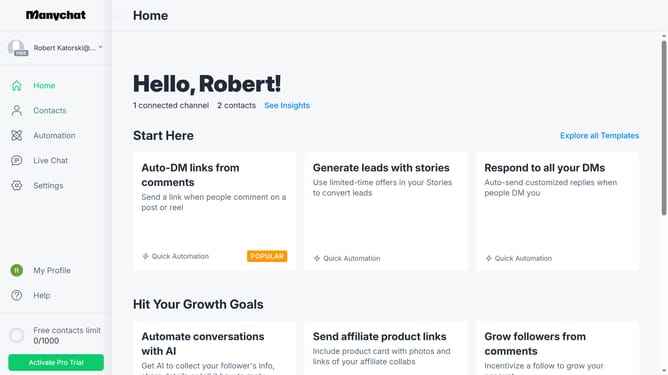
- First click on the "Contacts" item in the left sidebar menu
- Then click on the "Filter" button in the main content area
- Next click on the "+ Condition" button to add a new filter condition
- Then click on "System Fields" in the filter dropdown menu
- Next click on "First Name" field from the system fields list
- Then click in the text field showing "is unknown"
- Next click on "is" option from the dropdown menu
- Finally click on the name you want to filter from the suggested values list
Why should you filter contacts by first name in Manychat
Manychat is a powerful tool designed to streamline communication through automated messaging.
Filtering contacts by first name in Manychat enhances your ability to organize and quickly access specific user data. This feature ensures that your interactions are personalized and efficient.
Utilizing this function allows for improved targeting by enabling direct communication with individuals, thereby increasing engagement and fostering stronger connections.
Last update