How to share templates in ManyChat
Here is how to share templates in manychat
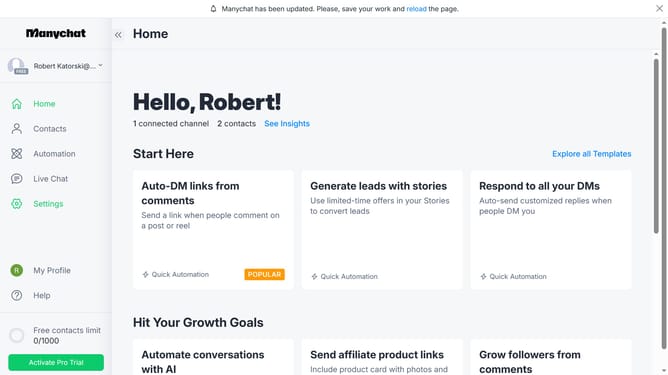
- First click on "My Profile" in the left sidebar menu
- Then click on "My Templates" option from the profile dropdown menu
- Next click on the template you want to share from the templates list
- Then click on the "Access" toggle switch in the template settings
- Finally click on the "Copy" button next to the template sharing link
Why should you share templates in ManyChat
ManyChat is a powerful platform designed to simplify and enhance communication through chat automation.
The feature of sharing templates in ManyChat allows users to easily share their successful strategies with others, saving valuable time and effort.
By using this feature, teams can maintain consistent messaging and rapidly deploy proven templates across multiple campaigns or client projects.
This fosters collaboration and innovation, driving more effective and cohesive marketing efforts.
Last update