How to export an automation as PNG in Manychat
Here is how to export an automation as png in manychat
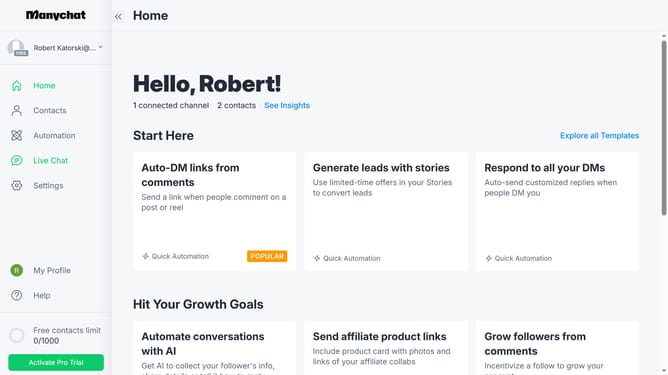
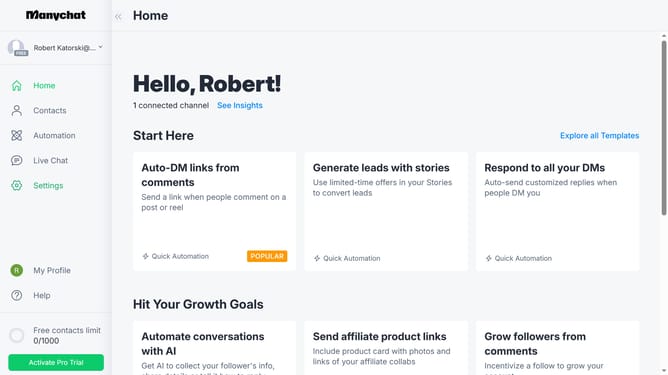
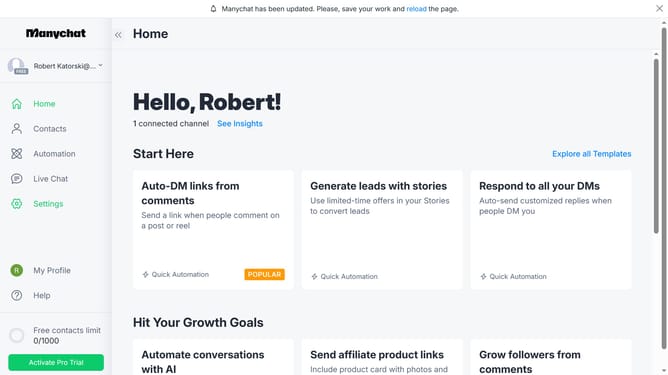
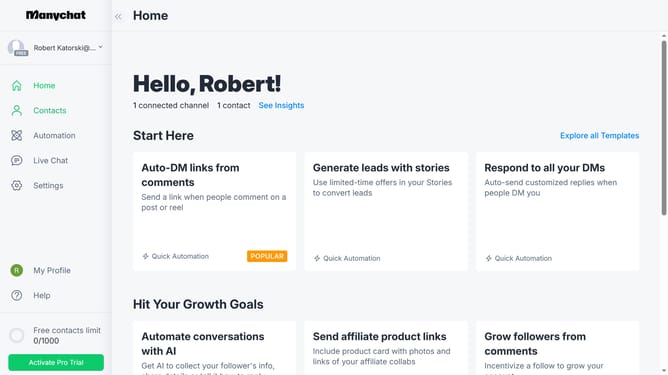
- First click on the "Automation" item in the left sidebar menu
- Then click on the automation you want to export as PNG
- Next click on the menu icon (three dots) in the top-right corner
- Then select "Share this Automation" option from the dropdown menu
- Finally click on "Download PNG" button in the share dialog window
Why should you export an automation as PNG in Manychat
Manychat is a powerful platform designed to simplify communication automation through chatbots.
The ability to export an automation as a PNG in Manychat allows for effortless sharing and visualization. This feature is extremely beneficial for teams looking to collaborate or present their chatbot flows visually in meetings.
Exporting as PNG ensures that complex automations are easily interpreted by stakeholders, enhancing understanding and facilitating smoother approval processes.
Additionally, it provides a lasting visual record, which is handy for documenting progress or revisiting previous designs as you refine your chat strategies.
Last update