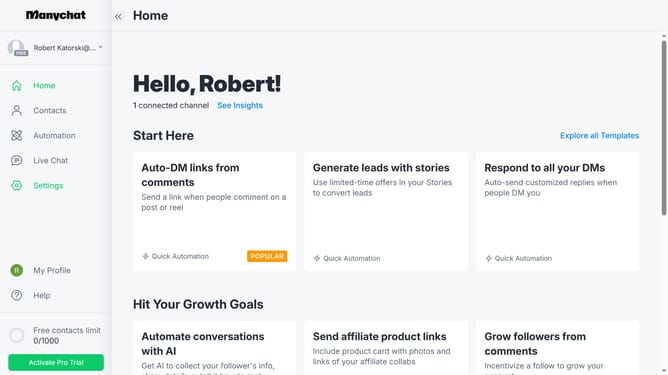
How to remove a tag from a contact in Manychat
Here is how to remove a tag from a contact in manychat
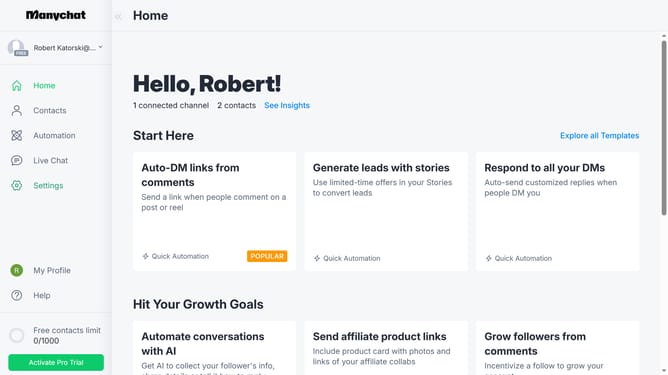
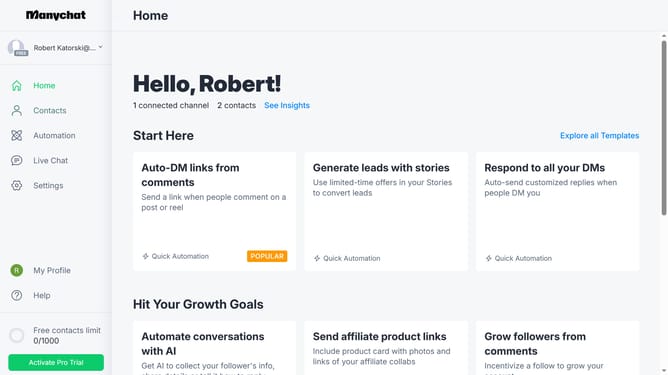
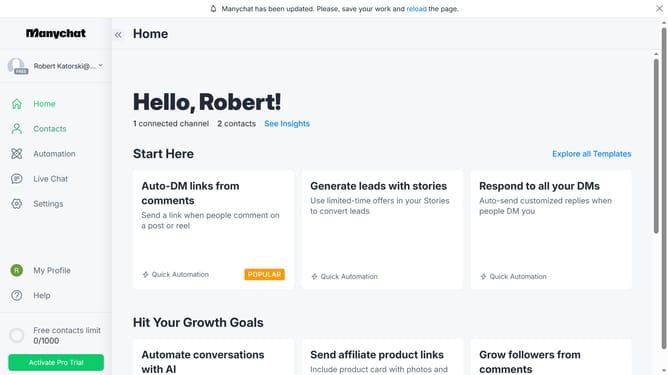
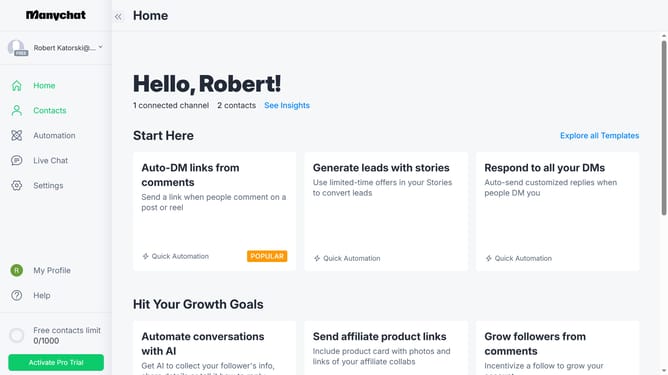
- First click on the "Contacts" link in the left sidebar menu
- Then click on the contact name in the contacts list table
- Next click on the "Subscribe" link in the contact details modal
- Finally click on the preferred sequence option in the subscribe dropdown menu
Why should you remove a tag from a contact in Manychat
Manychat is a powerful platform designed to streamline and automate your communication with customers through engaging chatbots.
The ability to remove a tag from a contact in Manychat enhances your customer management efficiency. With this feature, you can effortlessly refine your communication strategy, ensuring your messages reach only the most relevant audience.
Eliminating unnecessary tags helps keep your contact list organized and up-to-date. This means your marketing efforts become more targeted, increasing engagement and fostering better customer relationships.
Last update