How to filter contacts by automation status in Manychat
Here is how to filter contacts by automation status in manychat
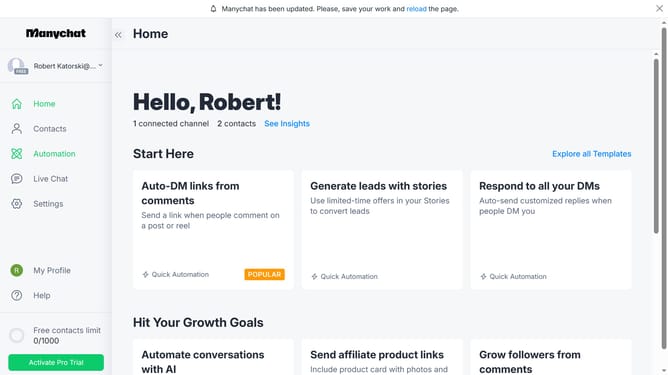
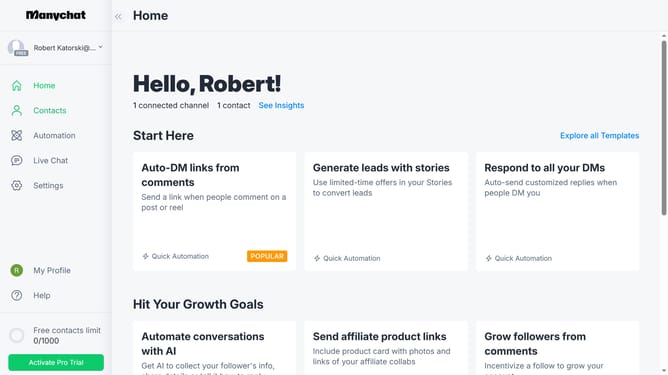
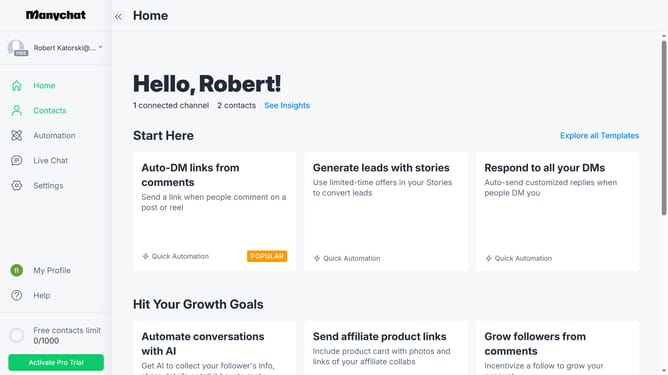
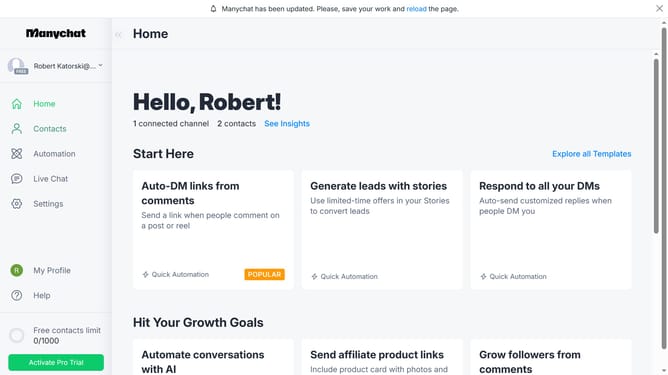
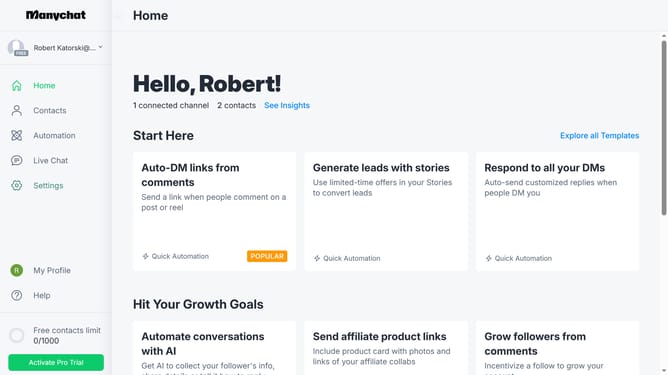
- First click on the "Contacts" option in the left sidebar menu
- Then click on the "Filter" button in the top toolbar
- Next click on the "+ Condition" button that appears in the filter area
- Then select "System Fields" from the dropdown menu of filter options
- Finally click on "Paused Automations Forever" from the system fields list
Why should you filter contacts by automation status in Manychat
Manychat is a powerful tool designed to enhance business communication through engaging chat automation.
Understanding the automation status of your contacts in Manychat allows for tailored and effective communication strategies.
This feature enables you to easily filter contacts by their engagement levels, ensuring your messaging targets the appropriate audience.
By distinguishing contacts based on how they interact with your automated flows, you can improve engagement metrics and optimize campaign performance, ultimately fostering stronger customer relationships.
Last update