How to add image content block in Manychat
Here is how to add image content block in manychat
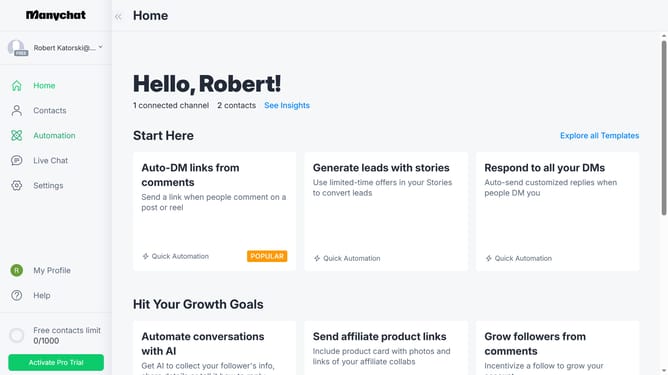
- First click on the "Automation" item in the left sidebar menu
- Then click on an automation in the automations list
- In the automation builder, click on the content block
- Next click on the "Image" content block option in the message editor
- Finally click on the "Upload image or insert URL" button and upload the image content for your automation
Why should you add image content block in Manychat
Manychat is a powerful tool designed to enhance customer engagement through automated, interactive messaging.
Adding an image content block in Manychat can significantly enrich your audience's experience. This feature is intuitive, allowing users to incorporate visuals seamlessly into their chat flows.
Images can capture attention quickly, conveying messages that words alone may not. By using this feature, you can make your communication more dynamic and memorable, leading to higher engagement and better user response.
Last update