How to create tags folder in Manychat
Here is how to create tags folder in manychat
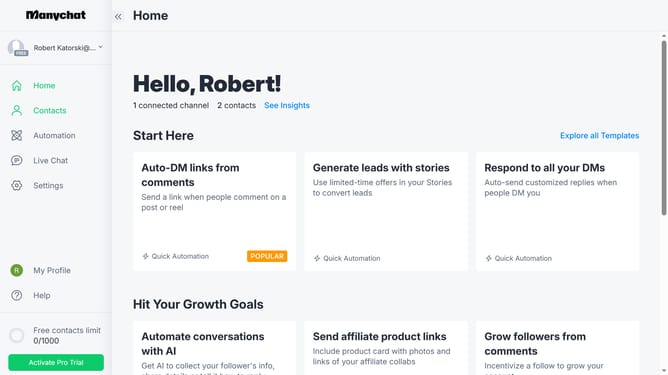
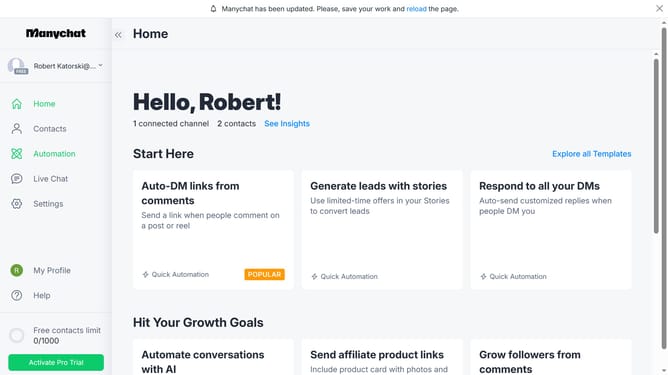
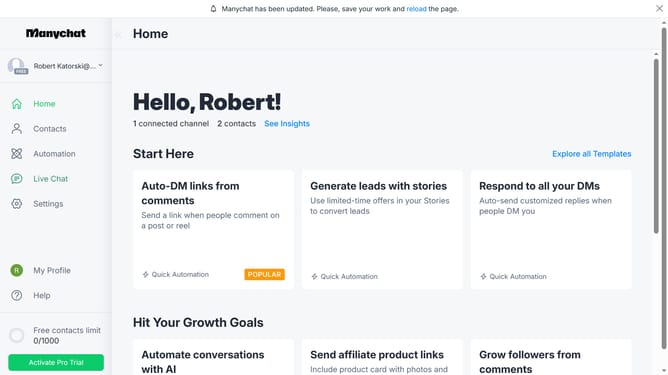
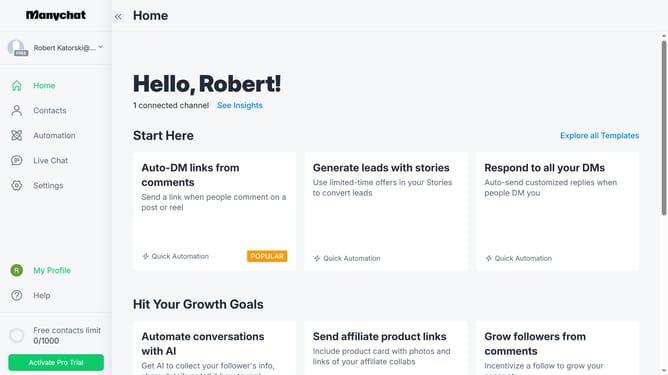
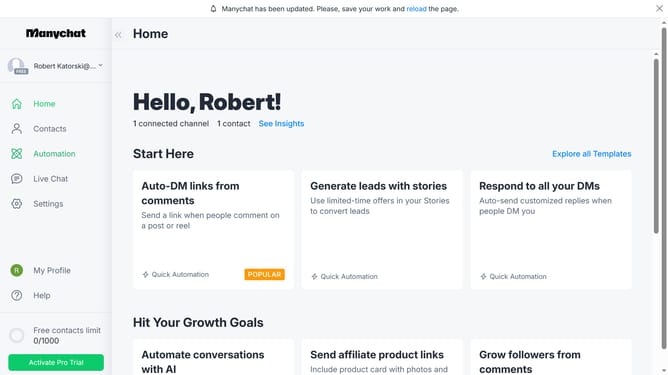
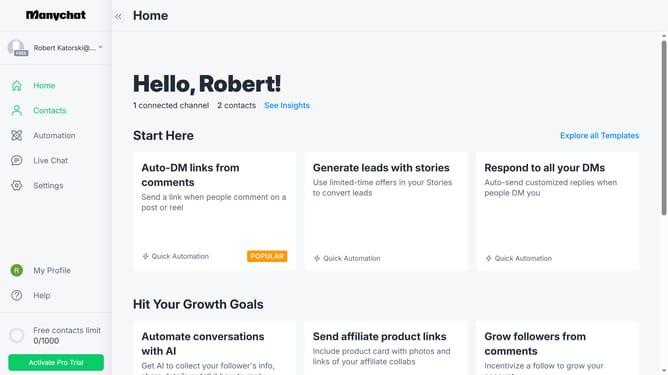
- First click on the "Settings" option in the left sidebar menu
- Then scroll down in the general settings
- Next click on "Tags" in the settings submenu under the Automation section
- Then scroll up in the tags page
- Next click on "New Folder" button in the Tags management area
- Then click on the "Folder name" input field and type in the desired name for the folder
- Finally click on the "Create" button in the Create Folder modal window
Why should you create tags folder in Manychat
Manychat is a robust platform designed to optimize customer engagement through automated conversations.
Creating tag folders in Manychat allows users to organize their audience effectively. This feature helps categorize subscribers based on interests, behaviors, or actions, resulting in targeted communication strategies.
By leveraging tag folders, businesses can enhance personalization, streamlining interactions that lead to improved customer relationships.
Overall, using tag folders boosts efficiency, enabling swift access to specific audience segments when needed.
Last update