How to unsubscribe a contact from sms in Manychat
Here is how to unsubscribe a contact from sms in manychat
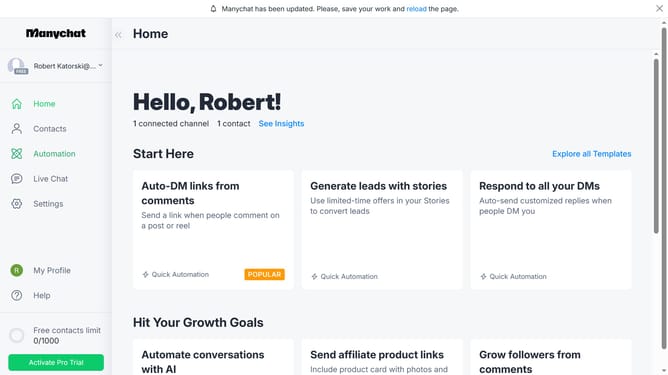
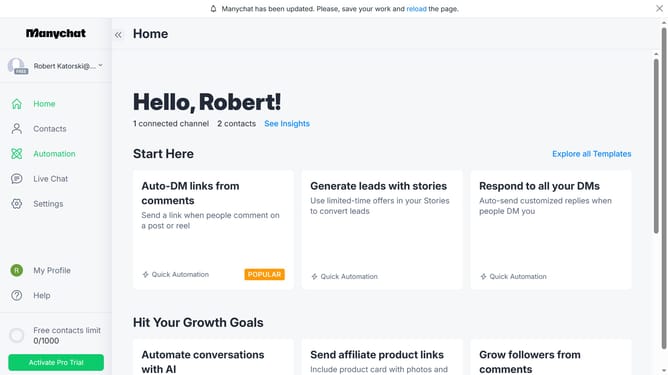
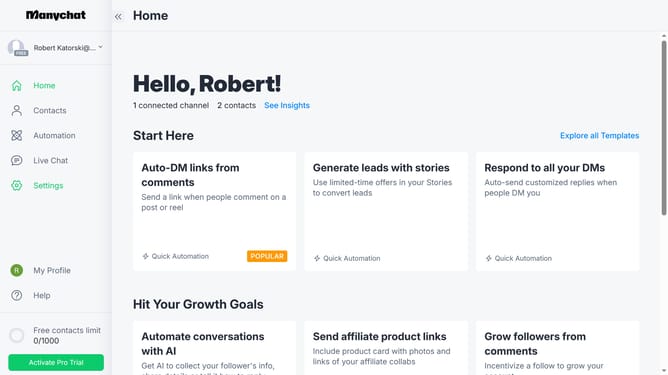
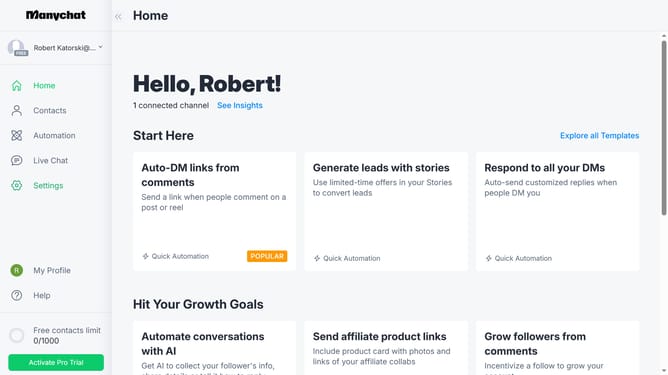
- First click on the "Contacts" link in the left sidebar menu
- Then click on the contact name you want to unsubscribe from SMS in the contact list
- In the contact details modal, click on the "More options" three dots menu button in the top-right corner
- From the dropdown menu, select "Unsubscribe from SMS" option
- Finally, click the "Confirm" button in the confirmation dialog to unsubscribe the contact from SMS
Why should you unsubscribe a contact from sms in Manychat
Manychat is a powerful tool designed to automate communication across messaging platforms.
The ability to unsubscribe a contact from SMS in Manychat ensures that your audience stays engaged in a way that respects their preferences.
Leveraging this feature enhances your customer relationship by allowing seamless opt-out management, which can significantly improve customer satisfaction and minimize the risk of receiving unwanted messages.
Ultimately, this empowers businesses to maintain compliance and foster trust with their audience.
Last update