How to delete a group in Manychat
Here is how to delete a group in manychat
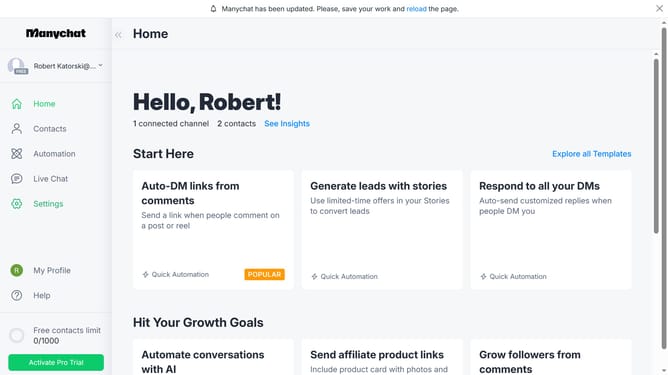
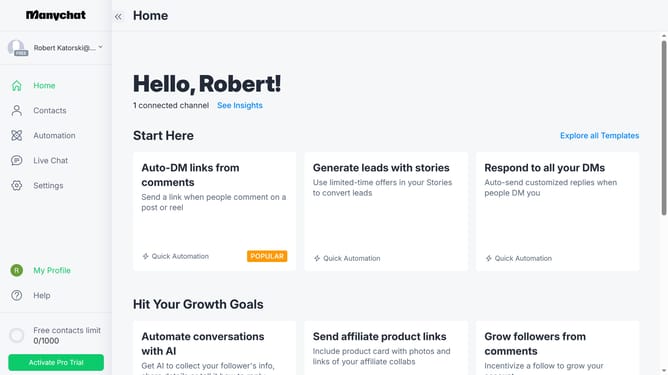
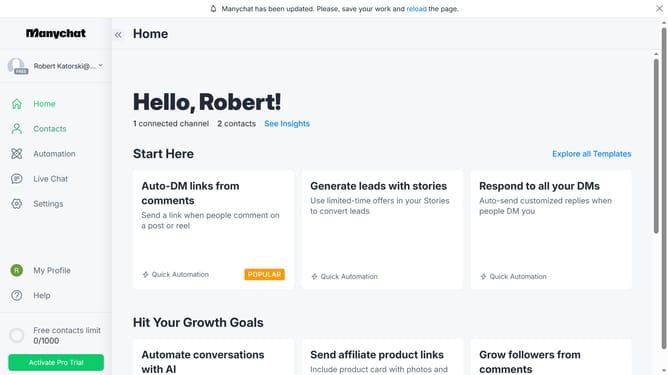
- First click on the "Settings" option in the left sidebar menu
- Then click on the "Team Members" link in the settings sidebar
- Next click on the "Groups" tab in the team members section
- Then click on the trash icon next to group you want to delete
- Finally click the "Delete" button in the confirmation popup to confirm group deletion
Why should you delete a group in Manychat
Manychat is a dynamic platform designed to revolutionize customer communication through seamless chatbot interactions.
Knowing how to delete a group in Manychat helps streamline your workflow by removing obsolete or redundant user segments.
This feature ensures that your chatbot's performance remains high, as it focuses on active and relevant audiences.
Ultimately, managing groups efficiently leads to more targeted engagement strategies and a cleaner, more organized system.
Last update