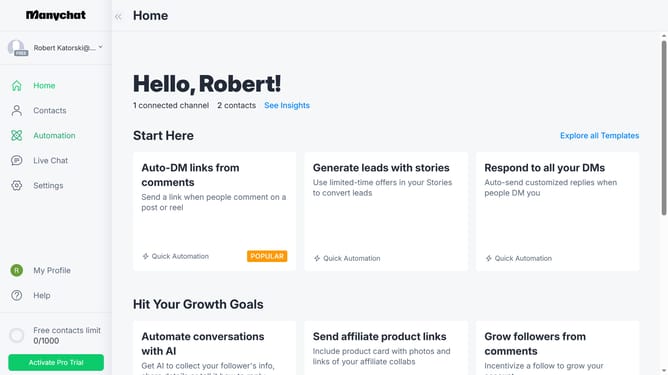
How to disable instagram main menu in Manychat
Here is how to disable instagram main menu in manychat
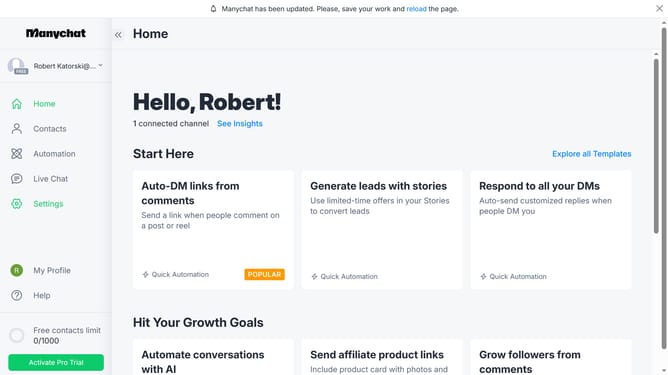
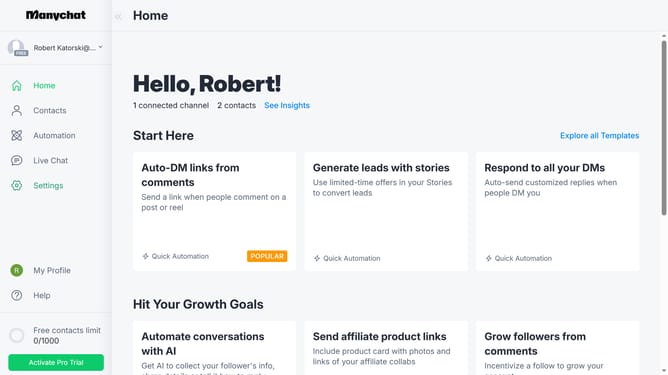
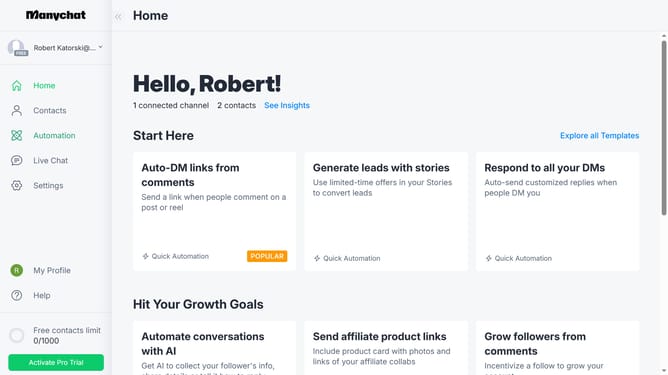
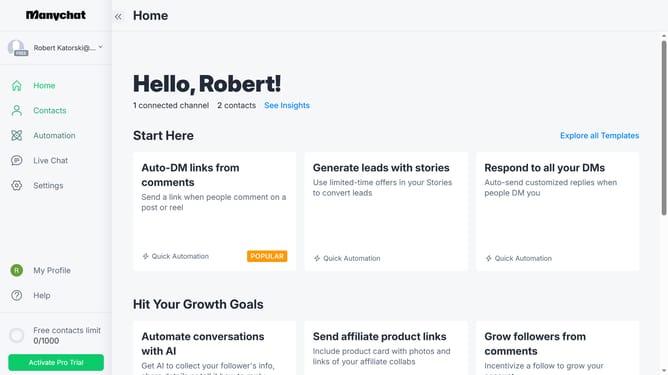
- First click on the "Settings" option in the left sidebar menu
- Then click on the "Instagram" channel under the Channels section in the settings menu
- Next click on the "Edit" button in the Main Menu section
- Finally click on the "Done" button in the Edit Menu Item panel
Why should you disable instagram main menu in Manychat
Manychat seamlessly enhances communication through automated messaging.
Disabling the Instagram main menu in Manychat allows for more focused and customized user interactions.
By removing unnecessary menu distractions, businesses can streamline customer experiences, making interactions clearer and more targeted.
This feature is ideal for brands aiming to simplify navigation, ultimately increasing engagement and conversion rates.
Last update