How to unarchive a user field in Manychat
Here is how to unarchive a user field in manychat
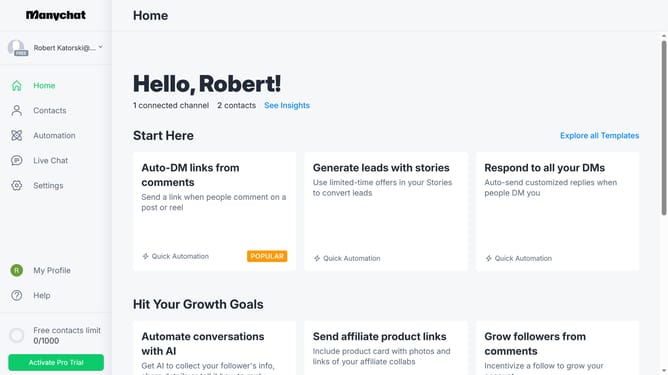
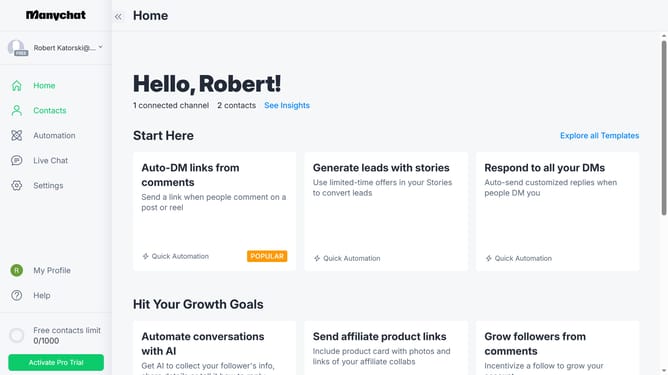
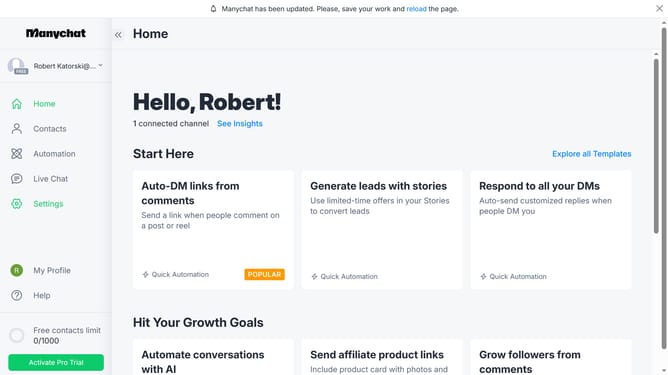
- First click on the "Settings" option in the left sidebar menu
- Scroll down in the general settings menu
- Click on "Fields" under the Automation section
- Scroll up in the fields settings page
- Click on the three dots menu icon next to the user field you want to unarchive under the Archived User Fields section
- Finally click on the "Unarchive" option to completely unarchive the user field
Why should you unarchive a user field in Manychat
Manychat is a powerful platform designed to enhance customer engagement through automated messaging.
The ability to unarchive a user field in Manychat makes it simple to retrieve previously stored user data, allowing for more targeted and personalized communication.
Utilizing this feature ensures you have continuous access to essential user information, enhancing the efficiency and effectiveness of your marketing strategies.
Overall, leveraging archived and unarchived user fields can greatly improve your messaging flow and customer retention.
Last update