How to add an add tag action in Manychat
Here is how to add an add tag action in manychat
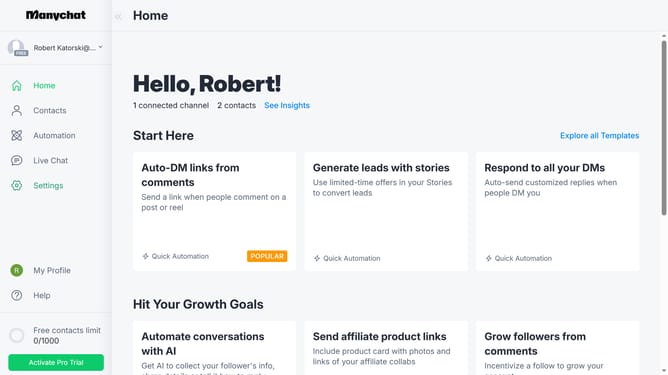
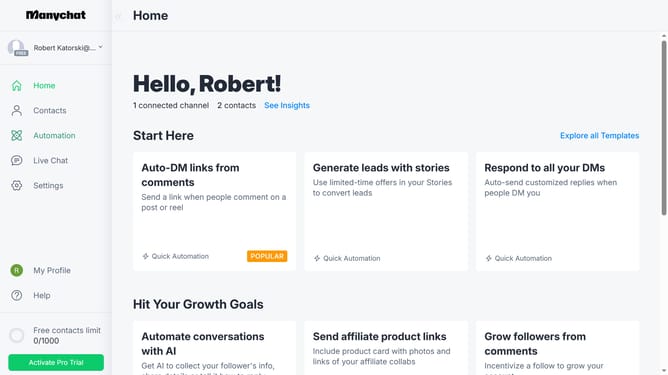
- First click on "Automation" in the left sidebar menu
- Then click on an automation from the automation list
- Click the blue "+" button in the top right corner to add a new step
- Scroll down in the menu popup
- Click "Actions" under the Logic section
- Click "+ Action" from the left menu of actions
- Select "Contact data" from the left menu of actions
- Click "Add Tag" from the Contact data options
- Click the "Add Tag" text field area
- Finally select your preferred tag from the dropdown options
Why should you add an add tag action in Manychat
Manychat is a versatile platform designed to enhance engagement through automated messaging.
One of its standout features is the ability to seamlessly add an "add tag action" to streamline user interactions. Adding tags in Manychat allows you to organize and segment your audience effortlessly.
By utilizing tags, you can track user behavior, tailor content delivery, and boost engagement rates. With this feature, personalizing communication becomes a breeze, ensuring your message reaches the right audience.
Last update