How to create a true/false user field in Manychat
Here is how to create a true/false user field in manychat
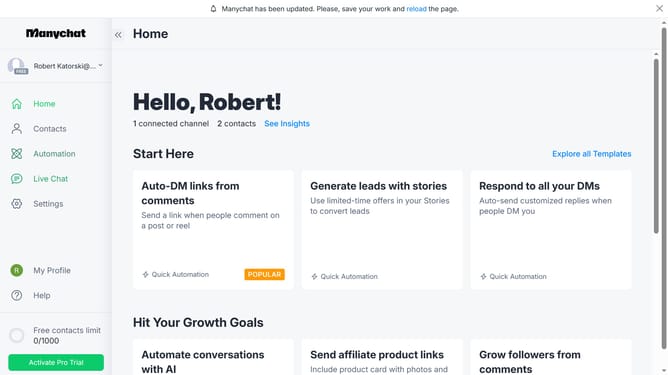
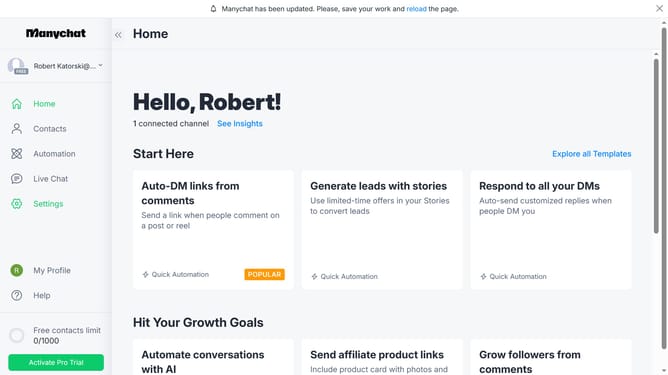
- First click on the "Settings" option in the left sidebar menu
- Scroll down in the general settings page
- Click "Fields" in the left sidebar menu
- Scroll up in the fields settings page
- Click on the "+ New User Field" button in the top right corner
- Click on the "Type" dropdown field in the Create New User Field modal
- Select "True/False" from the dropdown menu
- Click on the "Name" input field and type in the desired name for your "True/False" user field
- Click on the "Folder" dropdown field
- Select the user field from the dropdown menu
- Finally click on the "Create" button in the bottom right of the modal
Why should you create a true/false user field in Manychat
Manychat is a powerful tool designed to enhance communication through automated messaging.
Creating a true/false user field in Manychat provides a simple yet effective way to segment your audience based on specific criteria.
Using this feature promotes tailored interactions by enabling you to identify and engage with users according to their preferences or behaviors.
Ultimately, this facilitates more personalized messaging, leading to improved user satisfaction and engagement.
Last update