How to enable instagram main menu in Manychat
Here is how to enable instagram main menu in manychat
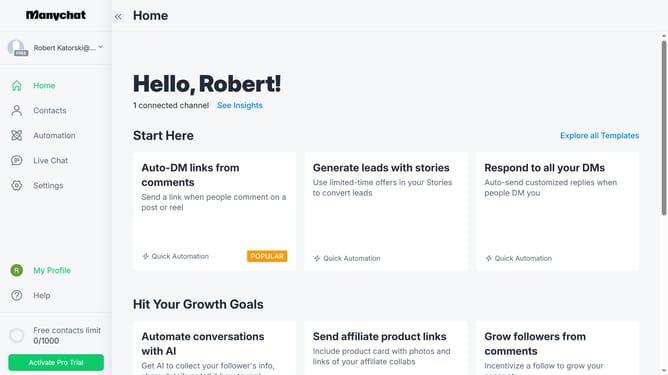
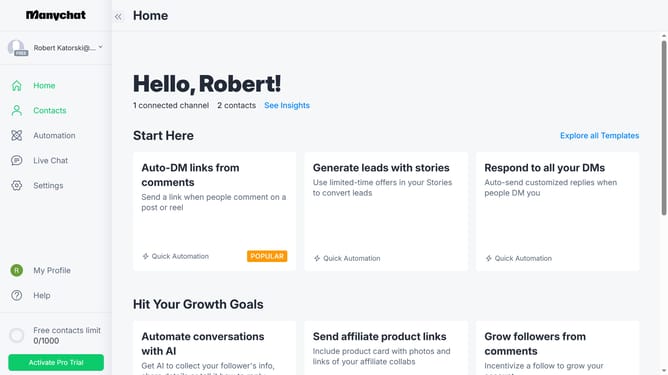
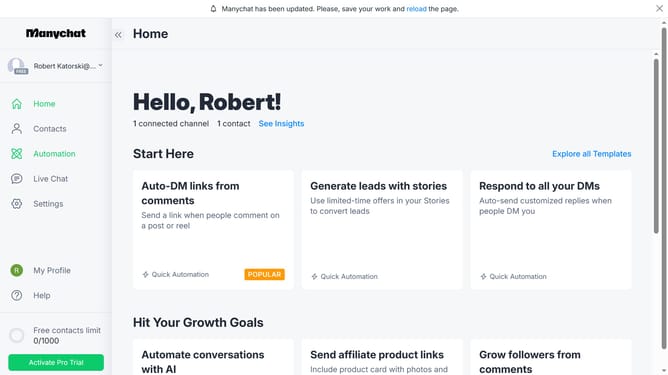
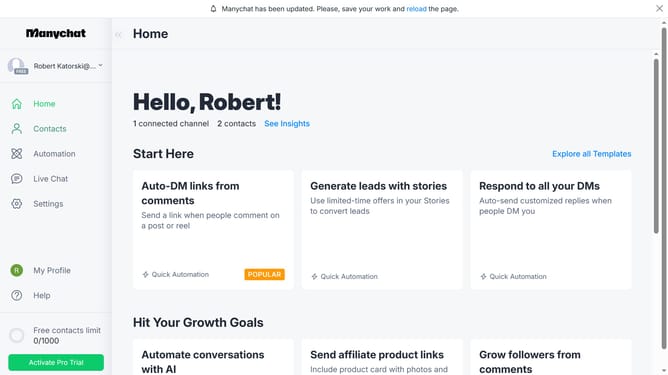
- First click on the "Settings" option in the left sidebar menu
- Then select "Instagram" from the Channels section in the settings menu
- Next click on the "Edit" button in the Main Menu section
- Finally click on the "Disabled" toggle switch in the top menu bar to enable the main menu
Why should you enable instagram main menu in Manychat
Manychat is a dynamic tool designed to enhance communication through automated chat experiences.
Enabling the Instagram main menu in Manychat elevates user interaction by providing easy access to key features directly within the chat interface. This seamless integration helps streamline communication, ensuring users can navigate and engage with your brand effortlessly.
Implementing this feature not only improves user satisfaction but also boosts engagement rates, fostering stronger relationships and maximizing your brand's reach on Instagram.
Last update