How to restrict copying a template in ManyChat
Here is how to restrict copying a template in manychat
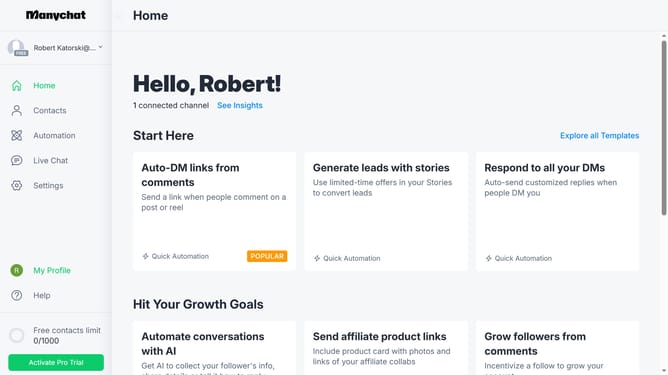
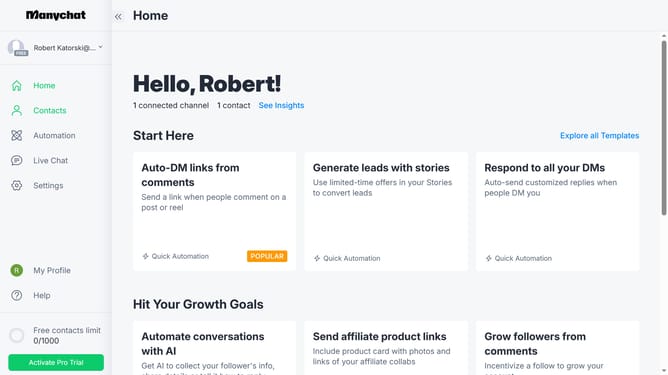
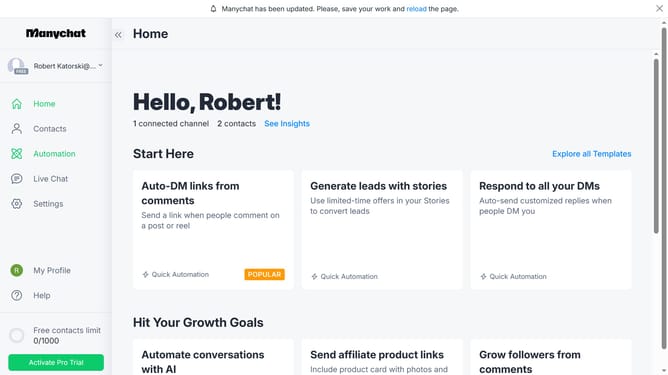
- First click on "My Profile" in the left sidebar
- Then click on "My Templates" from the profile dropdown menu
- Next click on the template you want to protect from being copied from the templates list
- Then click on "Edit Template" button in the top-right corner
- Click "Next Step" button in the template editor header
- Continue by clicking "Next Step" again to proceed to the next screen
- Click on "Protect template" toggle switch in the Final Steps section
- Click "Next Step" one more time to proceed
- Finally click "Update" button in the confirmation dialog
Why should you restrict copying a template in ManyChat
ManyChat is a dynamic platform designed to streamline communication through innovative chat marketing.
One standout feature within ManyChat is the ability to restrict copying a template, ensuring that your unique and customized templates remain exclusive to your brand.
This feature is crucial for maintaining brand consistency and control over your content, preventing unauthorized duplication and ensuring that your marketing strategies remain a step ahead in a competitive market.
Overall, it supports both the protection of intellectual property and sustains the uniqueness of your brand’s voice.
Last update