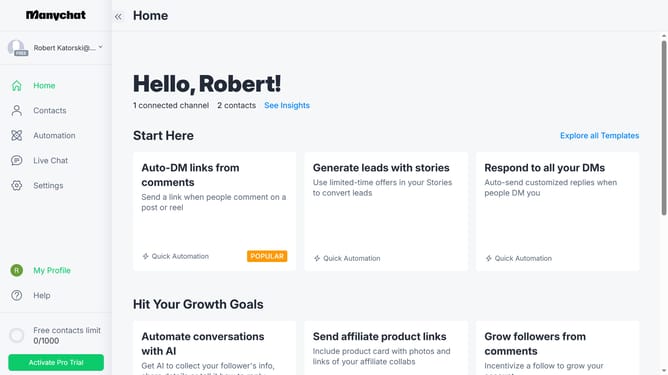
How to add a tag to a contact in Manychat
Here is how to add a tag to a contact in manychat
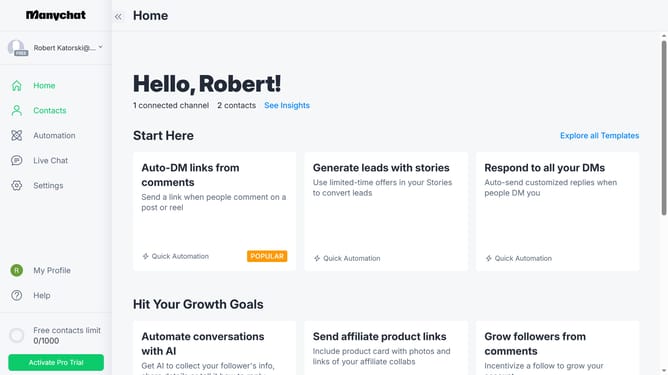
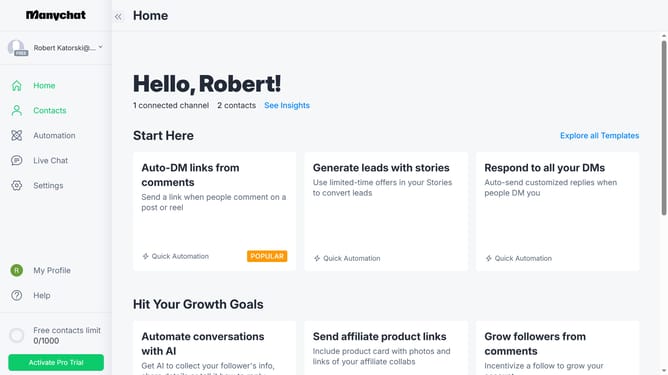
- First click on the "Contacts" option in the left sidebar menu
- Then click on a contact you want to add a tag from the contacts list table
- Next click on the "Add Tag" button in the contact details modal
- Finally select the desired tag from the dropdown menu in the add tag popup
Why should you add a tag to a contact in Manychat
Manychat is a powerful platform designed to enhance customer engagement through seamless chatbot communication.
An essential feature of Manychat is the ability to add tags to contacts, providing a streamlined way to categorize and manage your audience.
By tagging contacts, you create targeted marketing strategies and improve the precision of your communications.
This not only enhances customer interactions but also boosts efficiency in your sales and marketing efforts.
Last update