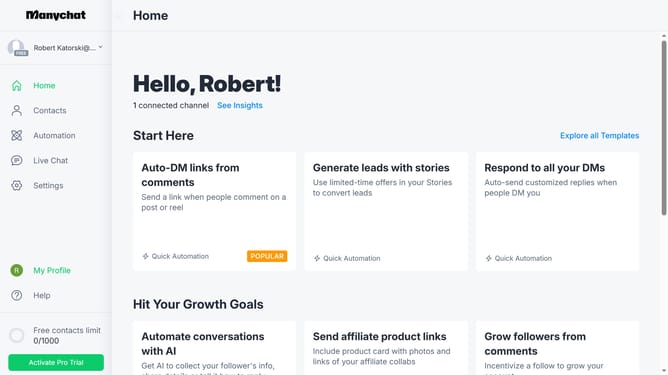
How to add instagram conversation starter in Manychat
Here is how to add instagram conversation starter in manychat
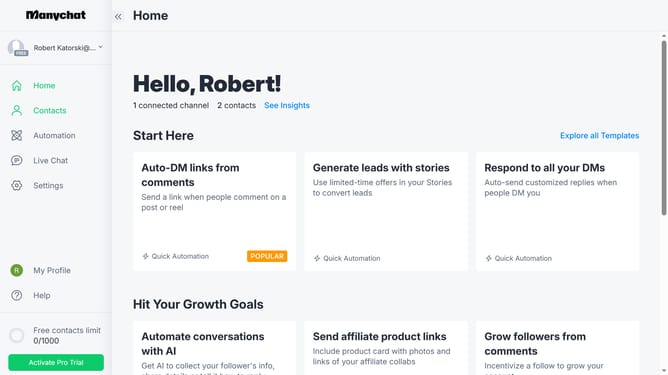
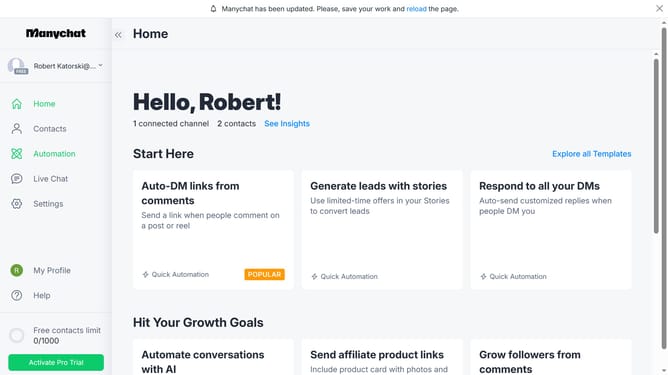
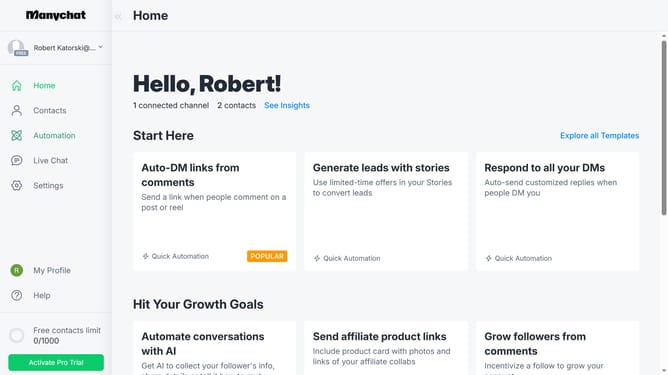
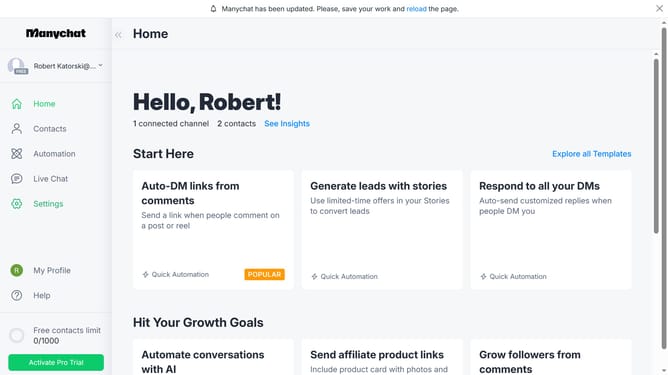
- First click on "Settings" in the left sidebar menu
- Then click on "Instagram" channel under the Channels section
- Scroll down in the settings menu
- Next click the "Edit" button next to the Conversation Starters
- Then click on the "+ Add Question" button to create a new conversation starter
- Next type in the question in the text field
- Finally click on "Done" in the pop up menu to save the conversation starter you just created
Why should you add instagram conversation starter in Manychat
Manychat is a powerful tool designed to automate customer interactions across messaging platforms.
Adding an Instagram conversation starter in Manychat allows you to engage users right from their initial interaction, offering a seamless and personalized introduction to your brand.
This feature fosters instant engagement, enhances user experience, and boosts your overall interaction rates, making your social media strategy more effective.
By leveraging this capability, you can ensure that your audience feels valued and engaged, right from the start of their journey with you.
Last update