How to delete tags in Manychat
Here is how to delete tags in manychat
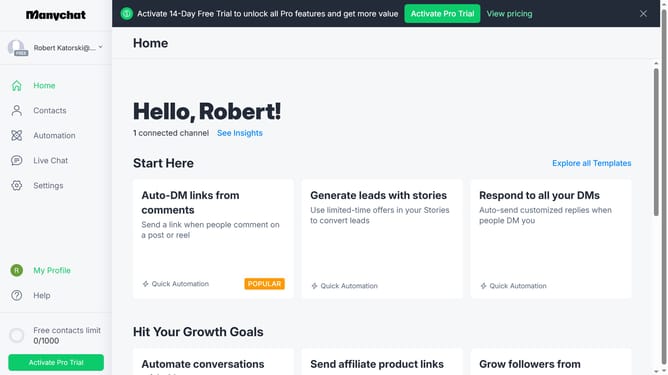
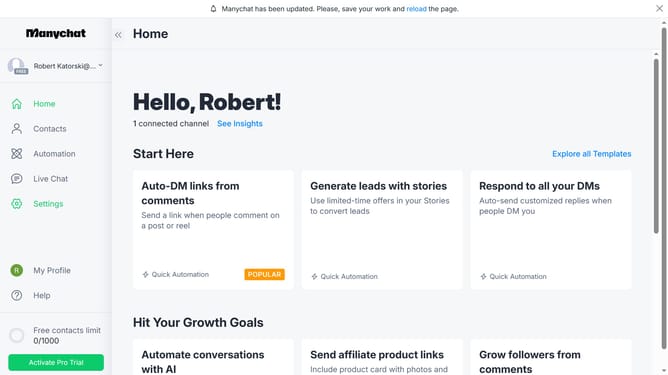
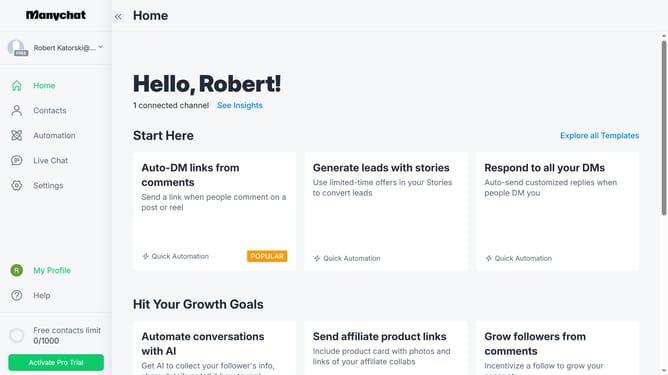
- First click on the "Settings" option in the left sidebar menu
- Next scroll down in the general settings
- Then click "Tags" in the left sidebar menu
- Next scroll up in the tags settings
- Then click on the menu icon (three dots) next to the tag you want to delete
- Then select the "Delete" option from the dropdown menu
- Finally click on the "Confirm" button in the delete confirmation dialog
Why should you delete tags in Manychat
Manychat is a versatile platform that automates Messenger and SMS marketing to enhance customer interactions.
The option to delete tags in Manychat allows users to streamline their audience segmentation more effectively. Neatly organizing your contacts by removing unnecessary tags can enhance your marketing strategy with more precise targeting.
Using the tag deletion feature not only simplifies your workflow but also ensures your communications are targeted and relevant, promising better engagement and results.
Last update