How to change template name in Manychat
Here is how to change template name in manychat
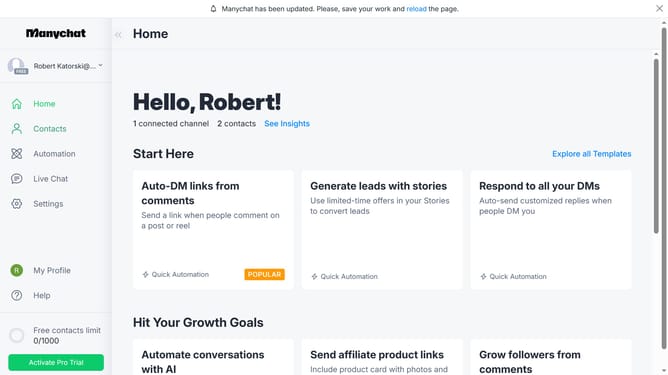
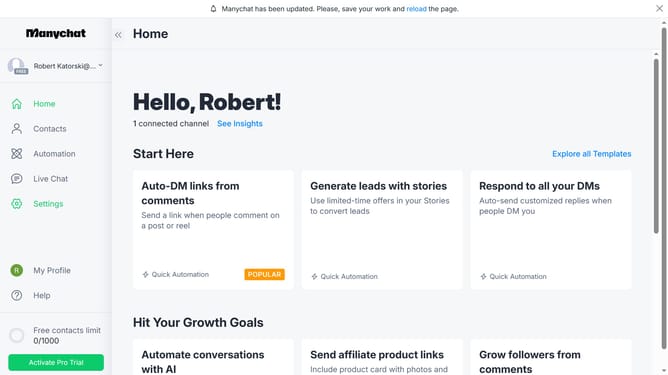
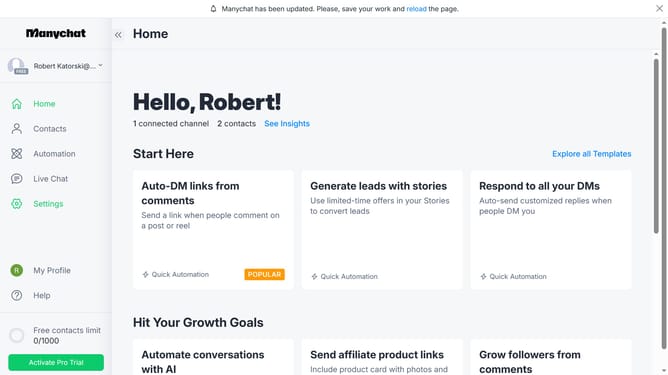
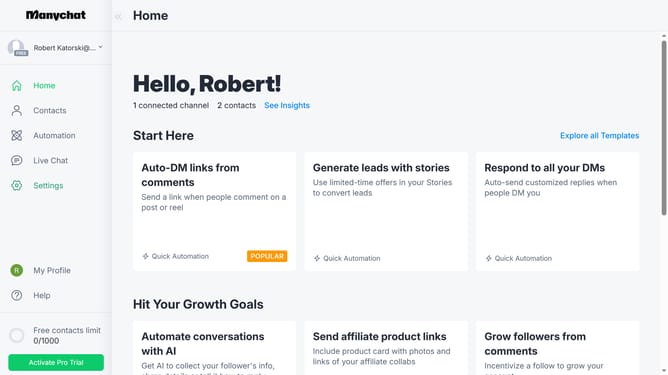
- First click on "My Profile" in the left sidebar menu
- Then click on the template you want to change the name from the list
- Next click on the "Template" pencil icon in the page header and change the name to your desired name for the template
- Finally hit enter on your keyboard to save the changes
Why should you change template name in Manychat
Manychat is an innovative tool designed to enhance communication through engaging chat automation.
Changing the template name in Manychat is a straightforward feature that adds significant flexibility to your chatbot management.
By customizing template names, you can easily organize and streamline your automated messaging strategies.
This feature not only helps in maintaining an organized workflow but also quickens the process of identifying and accessing specific templates, ultimately improving efficiency and communication effectiveness.
Last update